1
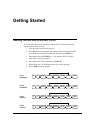
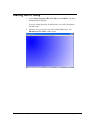
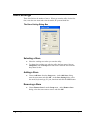
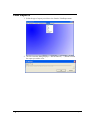
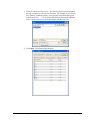
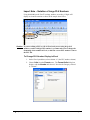
Starting the PC Utility 1. Choose Start, Programs, SHC PC Utility and then 900PC. The Store Setting dialog box displays. If you are starting the utility for the first time, you will be prompted to first add a store. 2. Select the store you wish to open and click the Close button. The ER-900 Series PC Utility window opens. ER-900 Series PC Utility v1.0 Getting Started 9