1
4
Programming your telephone
Other
4.1
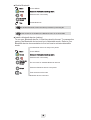
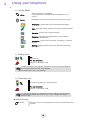
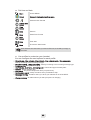
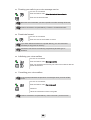
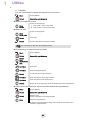
Lock/unlock keypad
Lock
Lock the keypad
Unlock
Unlock your phone
Adjusting the audio functions
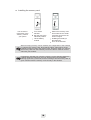
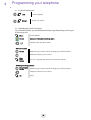
Your handset allows you set different melody rings depending on the type
of incoming call.
4.2
Menu
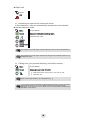
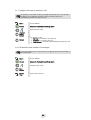
Access MENU
Select
Access to the handset settings menu
Select the tab: Sounds & alerts
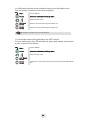
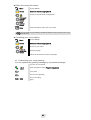
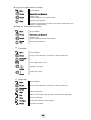
• Choose the tune
Select
Select the type of call to which the ringing is to be associated
Select the melody of your choice
Play
Stop
Select
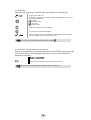
You can : play/stop the melody and select the melody
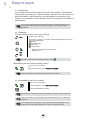
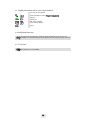
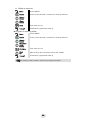
• Adjusting the ringer volume
Ring volume
Select
Select the type of call to which the ringing is to be associated
Select the volume of your choice
Ok
Apply
18