1
4.3
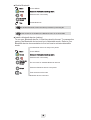
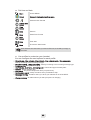
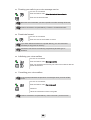
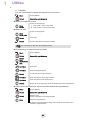
activate/deactivate silent mode
Menu
Access MENU
Select
Access to the handset settings menu
Select the tab: General
Profiles
Select
Select
profiles
Select
Silent
Select
Silent mode activated
Quick access : # (long press)
This key lets you switch from normal mode to silent mode and vice versa
4.4
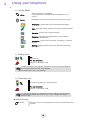
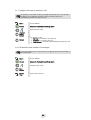
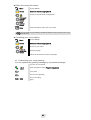
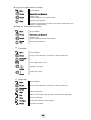
Activate/Deactivate the vibrating ringer
Menu
Access MENU
Select
Access to the handset settings menu
Select the tab: Sounds & alerts
Vibrator
Select
Select
4.5
•
•
•
•
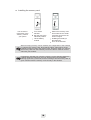
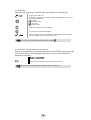
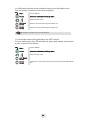
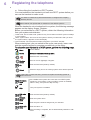
Off : vibration deactivated
Vibrate then ring : the handset vibrates and then rings
Vibrate only : the handset vibrates and doesnt ring
Vibrate and ring : the handset vibrates and rings alternately
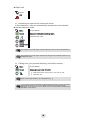
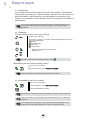
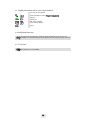
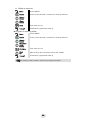
Selecting language
Menu
Access MENU
Select
Access to the handset settings menu
Select the tab: General
Language
Select
Select
Select the language of your choice
19