1
Chapter 6. Setting-basic menu
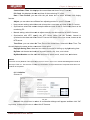
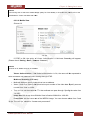
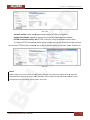
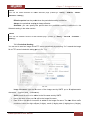
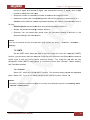
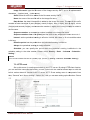
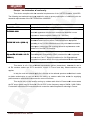
Step 6: type your DDNS User ID, Password and Host name in Setting - Network - DDNS.
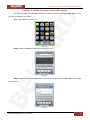
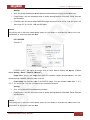
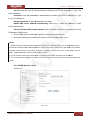
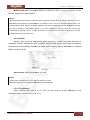
After completing setting, reboot IP Camera (Pic. 6.17).
Pic. 6.17
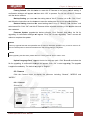
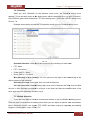
6.3.4. UPnP (Universal Plug and Play)
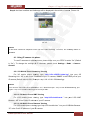
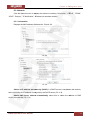
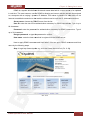
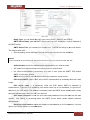
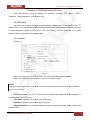
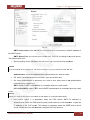
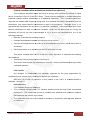
You can turn UPnP function “On” or “Off” (Pic. 6.18).
Pic 6.18
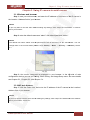
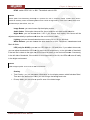
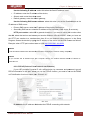
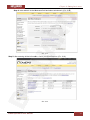
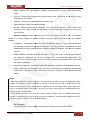
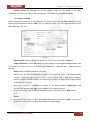
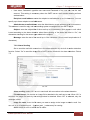
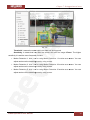
If a router is used to access to the Internet and it supports UPnP IGD function, please turn
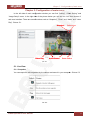
on the UPnP Port Forwarding function (Pic. 6.19).
Pic. 6.19
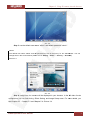
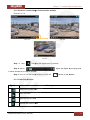
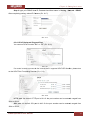
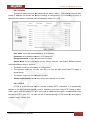
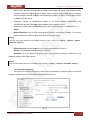
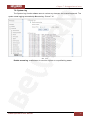
HTTP port: the default HTTP port is 80. Or the port number can be entered, ranged from
1024 to 65535.
SSL port: the default SSL port is 443. Or the port number can be entered, ranged from
1024 to 65535.
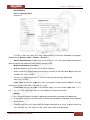
N1000 Operations User Manual
30