1
ComProbe High Speed UART User Manual
Chapter 4 Capturing and Analyzing Data
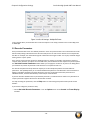
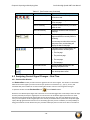
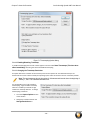
is applied to both layers and messages when the detail pane displays a transaction. To keep the distinction
between layers and messages clear, each header of each message in the detail pane ends with the word
“Message” or “Messages”. The latter is used because data and handshake messages are shown as a single colorcoded entry
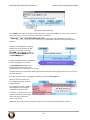
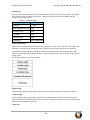
Each protocol layer is represented by a color, which is used to highlight the bytes that belong to that protocol
layer in the Event, Radix, Binary and Character panes. The colors are not assigned to a protocol, but are
assigned to the layer.
The Event, Radix, Binary, Character and Decode panes are all synchronized with one another. Clicking on an
element in any one of the panes highlights the corresponding element in all the other panes.
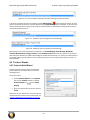
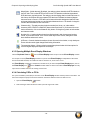
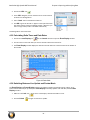
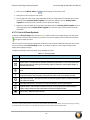
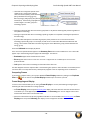
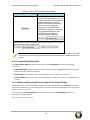
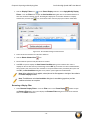
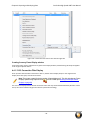
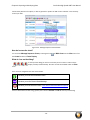
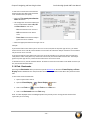
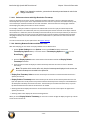
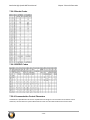
Click the Toggle Expand Decode Pane icon
to make the Decode pane taller. This allows for more of a
lengthy decode to be viewed without needing to scroll.
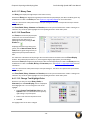
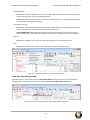
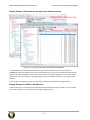
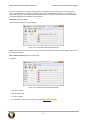
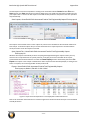
4.4.1.11.5 Radix or Hexadecimal Pane
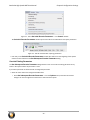
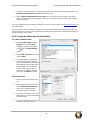
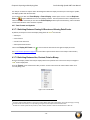
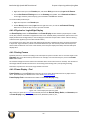
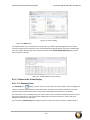
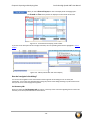
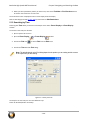
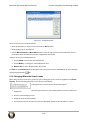
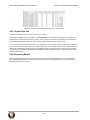
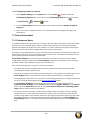
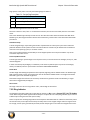
The Radix pane displays the logical bytes in the frame in either
hexadecimal, decimal or octal. The radix can be changed from
the Format menu, or by right-clicking on the pane and
choosing Hexadecimal, Decimal or Octal.
Because the Radix pane displays the logical bytes rather than
the physical bytes, the data in the Radix pane may be different
from that in the Event pane. See Physical vs. Logical Byte Display
for more information.
Colors are used to show which protocol layer each byte belongs
to. The colors correspond to the layers listed in the Decode
pane.
The Event, Radix, Binary, Character and Decode panes are all synchronized with one another. Clicking on an
element in any one of the panes highlights the corresponding element in all the other panes.
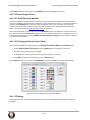
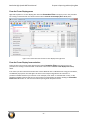
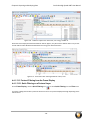
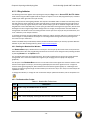
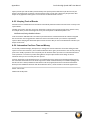
4.4.1.11.6 Character Pane
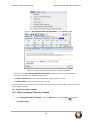
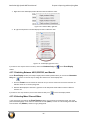
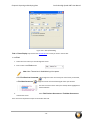
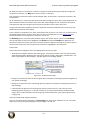
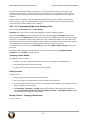
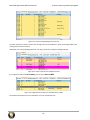
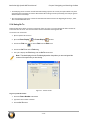
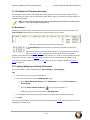
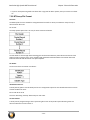
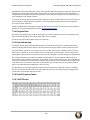
The Character pane represents the logical bytes in the frame
in ASCII, EBCDIC or Baudot. The character set can be
changed from the Format menu, or by right-clicking on the
pane and choosing the appropriate character set.
Because the Character pane displays the logical bytes rather
than the physical bytes, the data in the Character pane may
be different from that in the Event pane. See Physical vs.
Logical Byte Display for more information.
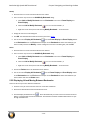
Colors are used to show which protocol layer each byte
belongs to. The colors correspond to the layers listed in the
Decode pane.
The Event, Radix, Binary, Character and Decode panes
are all synchronized with one another. Clicking on an element
in any one of the panes highlights the corresponding element in all the other panes.
- 63 -