1
ComProbe High Speed UART User Manual
Chapter 4 Capturing and Analyzing Data
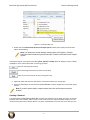
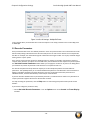
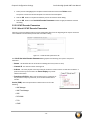
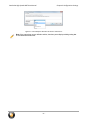
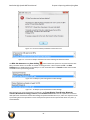
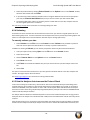
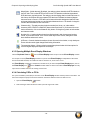
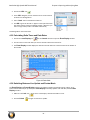
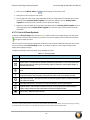
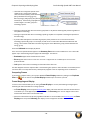
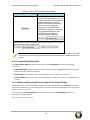
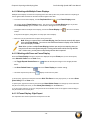
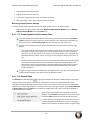
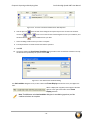
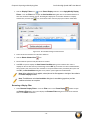
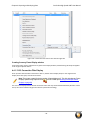
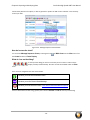
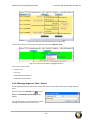
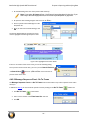
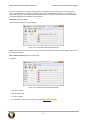
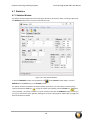
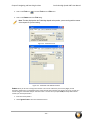
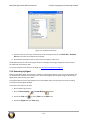
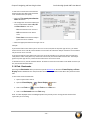
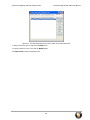
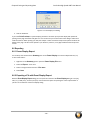
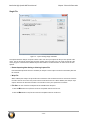
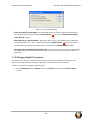
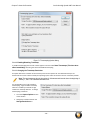
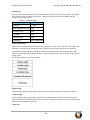
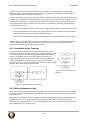
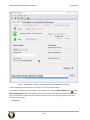
Figure 4.2 - Incorrect ProbeSync Hardware Connection Error
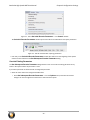
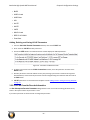
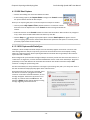
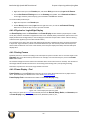
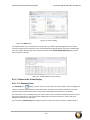
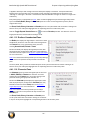
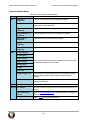
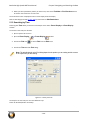
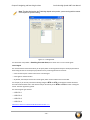
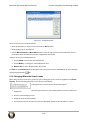
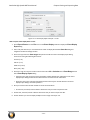
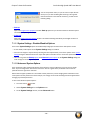
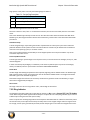
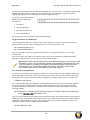
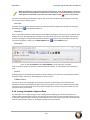
Figure 4.3 - Incorrect ProbeSync Hardware Connection Message In Datasource Status
The BPA 600 datasource dialog Start Sniffing
button initiates the capture for all connected ComProbe
802.11 and HSU devices. On the 802.11 and HSU receiving the clock—cable connected to IN— the Start
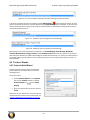
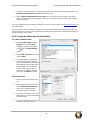
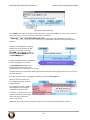
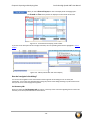
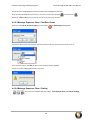
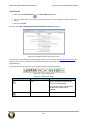
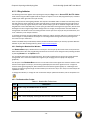
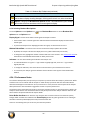
Sniffing button is disabled when using ProbeSync. In each ComProbe device's Control window status window
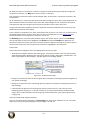
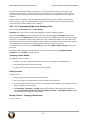
will announce the synchronizing function.
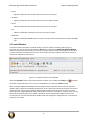
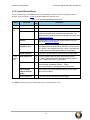
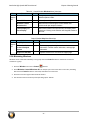
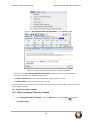
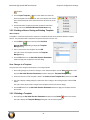
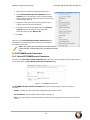
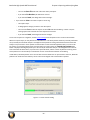
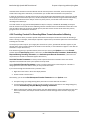
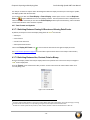
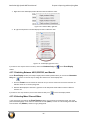
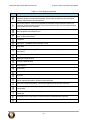
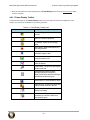
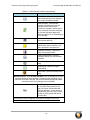
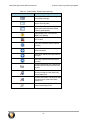
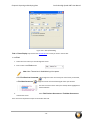
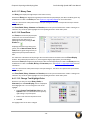
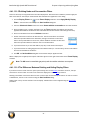
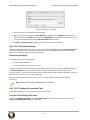
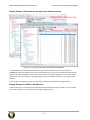
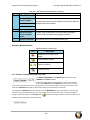
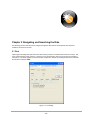
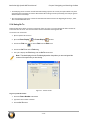
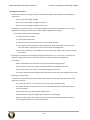
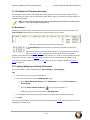
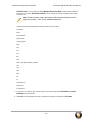
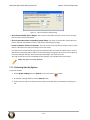
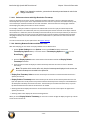
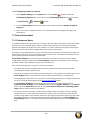
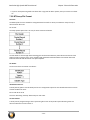
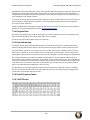
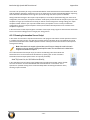
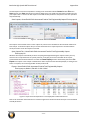
Figure 4.4 - ProbeSync Synchronizing Device Status Message
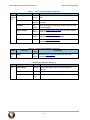
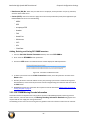
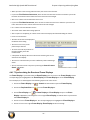
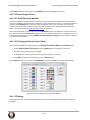
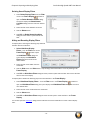
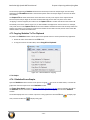
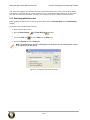
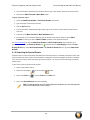
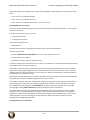
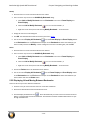
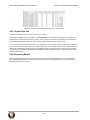
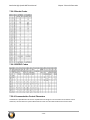
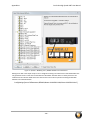
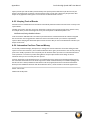
Figure 4.5 - ProbeSync Synchronized Device Status Message
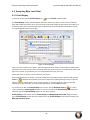
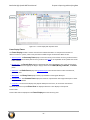
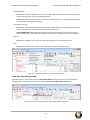
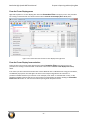
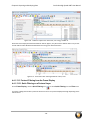
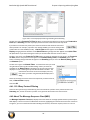
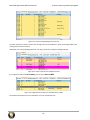
Data captured in the synchronized device will appear in the Frame Display, Event Display, Bluetooth
Timeline, Bluetooth low energy Timeline, and Coexistence View. Data saved as a capture file will include
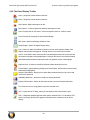
data captured on each devices. Within these dialogs the packets identified as link 1, 2, and 3 were captured on the
synchronizing device that provides the clock. Those packets captured on the synchronized device carry link 4, 5,
and 6 identifiers.
- 31 -