1
Electronic Audiogram Program User Manual – Part 2 of 3
Entering ‘Medical History (Hearing)’ Info
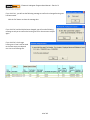
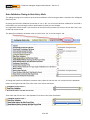
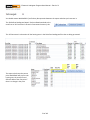
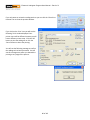
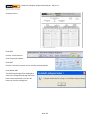
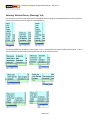
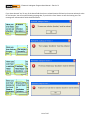
You can select one of the valid values from the dropdown list by clicking on the dropdown button on the right hand
side and then select one of the values in the dropdown list.
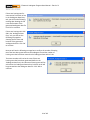
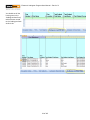
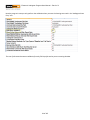
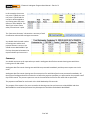
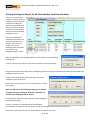
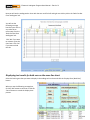
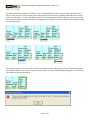
The following fields are related to a location field. If ‘Yes’ is selected then the location field must be filled in. If ‘No’ is
selected then the location field will be blanked out even if you selected a value.
109 of 115