1
IO
OB
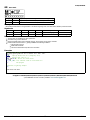
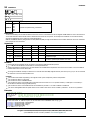
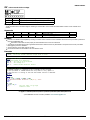
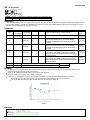
Output Bit
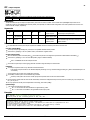
OB n,ex
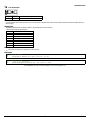
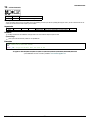
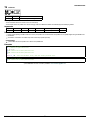
Usage
OB n ...
Arguments specified with an implicit, comma-separated order
Description
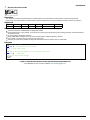
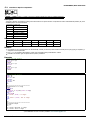
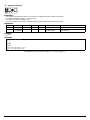
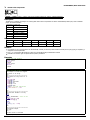
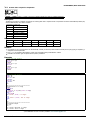
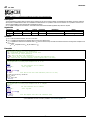
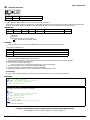
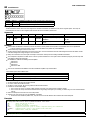
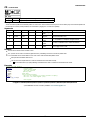
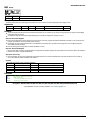
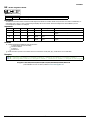
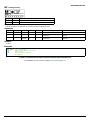
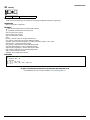
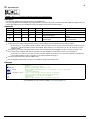
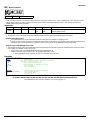
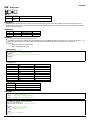
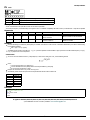
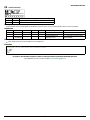
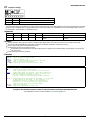
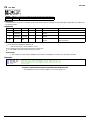
The OB command allows variable control of an output bit based on logical expressions. The OB n, logical expression command defines output bit i as either
0 or 1 depending on the result from the logical expression.
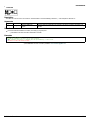
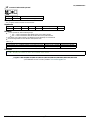
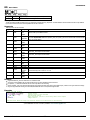
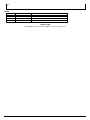
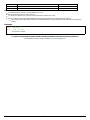
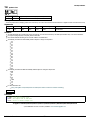
Arguments
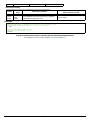
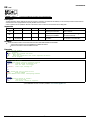
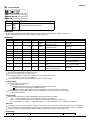
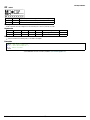
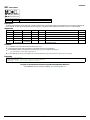
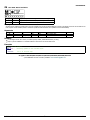
Argument
Min
n
1
n
1,000
ex
N/A
Max
4
6,999
Default
0
N/A
N/A
N/A
Resolution
Description
Notes
1
Output bit specified
1
Modbus output bit specified See Remarks
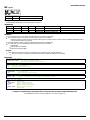
If ex is true/non-zero, set output to 1. If ex is
Expression Expression that defines
status of output
false/zero, set output to 0
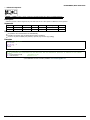
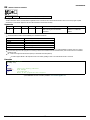
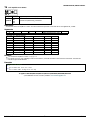
Remarks
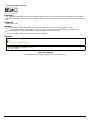
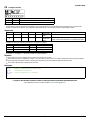
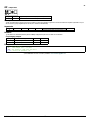
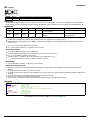
An expression is any valid logical expression, variable or array element.
Any non-zero value of the expression results in a one set to the output bit.
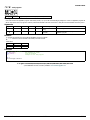
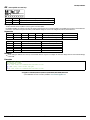
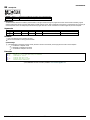
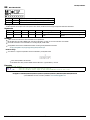
n0 = (SlaveAddress*10000) + (HandleNum*1000) + ((Module-1)*4) + (Bitnum-1)
Slave Address is used when the ModBus device has slave devices connected to it and specified as Addresses 0 to 255. Please note that the use
of slave devices for modbus are very rare and this number will usually be 0.
HandleNum is the handle specifier where A is 1, B is 2 and so on.
Module is the position of the module in the rack from 1 to 16.
BitNum is the I/O point in the module from 1 to 4
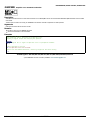
Examples
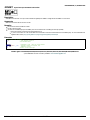
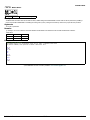
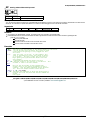
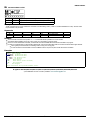
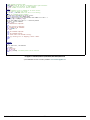
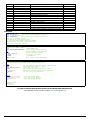
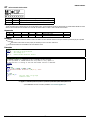
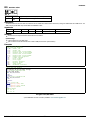
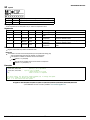
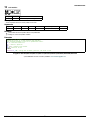
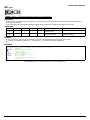
'Galil DMC Code Example
OB 1, pos;'
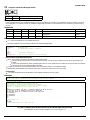
If pos<>0, Bit 1 is high.
'
If pos=0, Bit 1 is low
OB 2, @IN[ 1] &@IN[ 2] ;' If Input 1 and Input 2 are both high, then
'
Output 2 is set high
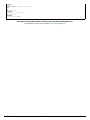
OB 3, count[ 1] ;' If the element 1 in the array is zero, clear bit 3
OB n, count[ 1] ;' If element 1 in the array is zero, clear bit n
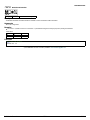
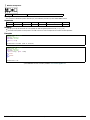
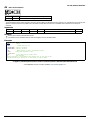
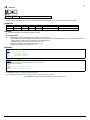
'Galil DMC Code Example
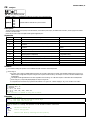
'Toggle digital output 1
OB 1,@COM[ @OUT[ 1] ] & 1;' read current state of output 1, take the bitwise complement, mask out bits.
©2015 Galil Motion Control. Corrections, Feedback: [email protected]
Galil Motion Control
OB
215/316