1
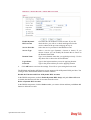
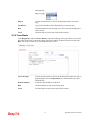
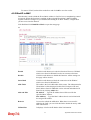
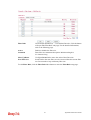
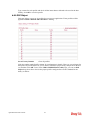
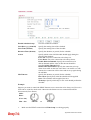
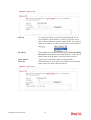
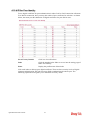
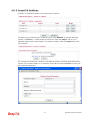
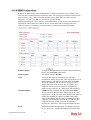
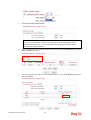
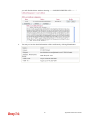
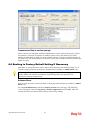
Set to Factory Default
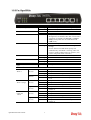
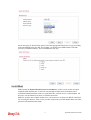
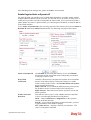
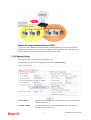
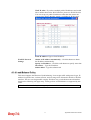
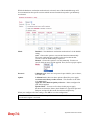
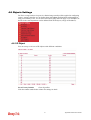
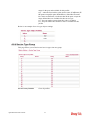
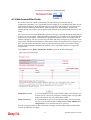
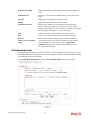
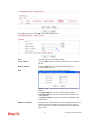
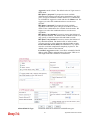
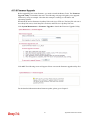
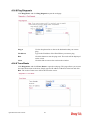
Click to clear all indexes.
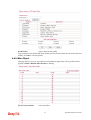
Index
Click the number below Index to access into the setting page of
Remote Dial-in User.
User
Display the username for the specific dial-in user of the
LAN-to-LAN profile. The symbol ??? represents that the
profile is empty.
Status
Display the access state of the specific dial-in user. The
symbol V and X represent the specific dial-in user to be active
and inactive, respectively.
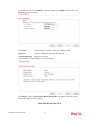
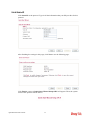
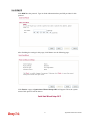
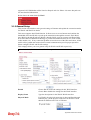
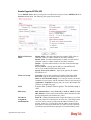
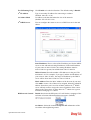
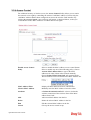
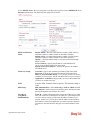
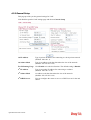
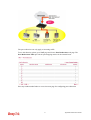
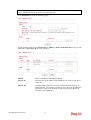
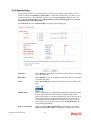
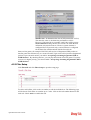
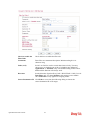
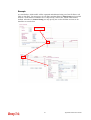
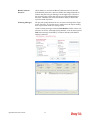
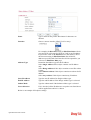
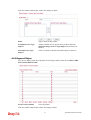
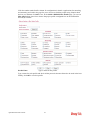
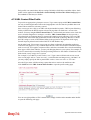
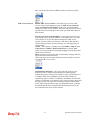
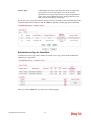
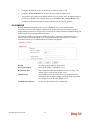
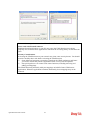
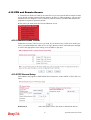
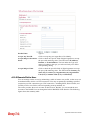
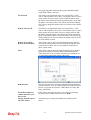
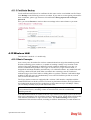
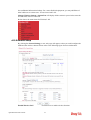
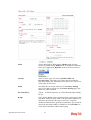
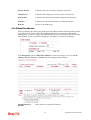
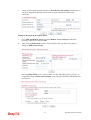
Click each index to edit one remote user profile. Each Dial-In Type requires you to fill the
different corresponding fields on the right. If the fields gray out, it means you may leave it
untouched. The following explanation will guide you to fill all the necessary fields.
Vigor2920 Series User’s Guide
156