1
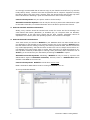
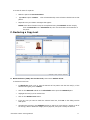
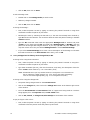
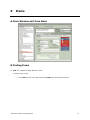
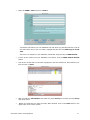
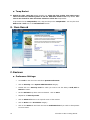
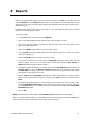
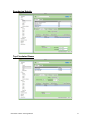
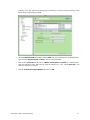
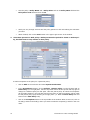
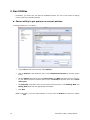
After the initial report has been set up, let’s add the Select By option of Homeroom and enter
a homeroom in the Starting With and Ending With fields. For this example, we will enter
Wishard in both of these fields.
•
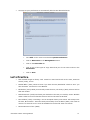
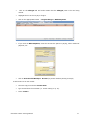
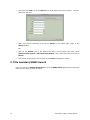
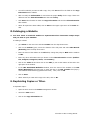
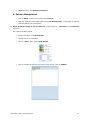
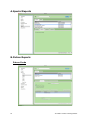
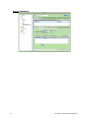
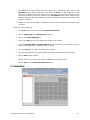
If you are part of a Central Union system, select your library from the Available Sites list
on the Sites tab and use the > to Selected Sites list.
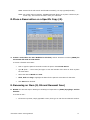
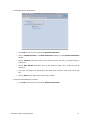
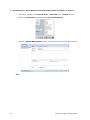
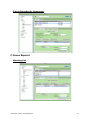
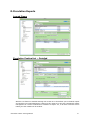
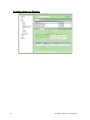
Go to the Schedule tab and fill in the date that you want the report to run next, then, set the
Time drop-down menus. We suggest that you set this for a time of day early in the morning so
that it will be there when the school day begins and the teacher checks his or her email.
54
•
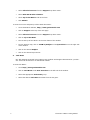
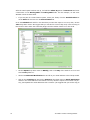
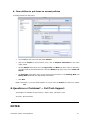
Set the Repeat drop-down menu to Weekly, click on the Day of the week for it to run and
set the Every field to 1.
•
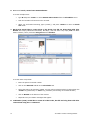
Check the Send Email Notification box and fill in your email address in the field provided.
•
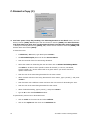
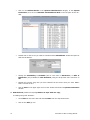
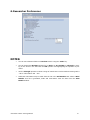
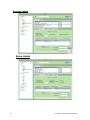
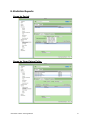
Click on the Locations tab and set the Output to drop-down menu to Email Attachment
and fill in the email address of the teacher. You may send the report to more than one person, just separate the email addresses with a comma. (We suggest that you send a copy to
Alexandria v6 Basic Training Manual