1
4.4.1 Manage Saved Routes
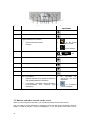
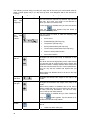
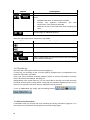
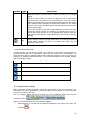
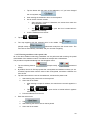
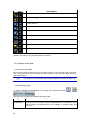
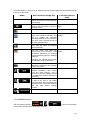
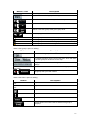
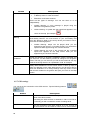
You can manage the previously saved routes. Tap the following buttons:
,
,
,
,
.
Button
Description
Button with the name of the saved route Opens the selected route for editing.
Deletes the selected route.
Clears the list of saved routes.
Turns the page for additional list items.
,
4.4.2 Manage History
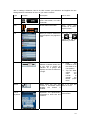
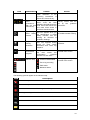
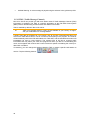
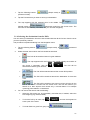
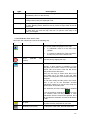
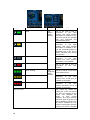
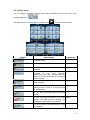
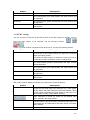
You can manage the list of locations you used lately. Tap the following buttons:
.
Button
Description
Deletes the selected item in the History.
Deletes the entire History.
Turns the page for additional list items.
,
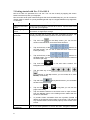
4.4.3 Manage Track Logs
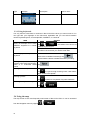
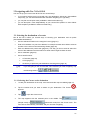
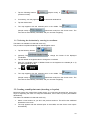
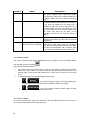
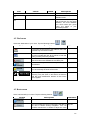
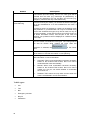
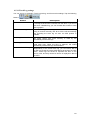
You can record Track Logs, then play them back, display them on the map, and see their
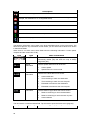
details. Tap the following buttons:
Button
,
,
.
Description
Starts recording the track that you drive. (You can also start
recording a track log in the Quick menu.)
Stops the ongoing Track Log recording. (You can also stop the
track log recording in the Quick menu.)
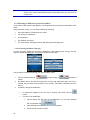
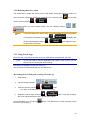
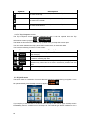
Button with the name of the Shows the details of the selected Track Log.
track log
Starts a simulated playback of the selected Track Log on the
map.
69