1
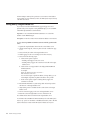
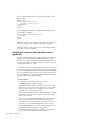
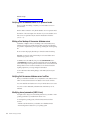
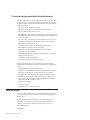
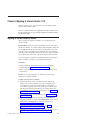
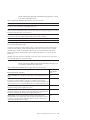
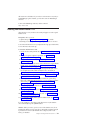
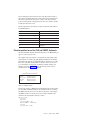
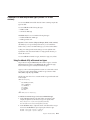
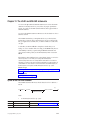
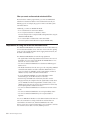
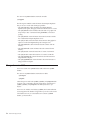
The syntax of dbload INSERT statements resembles INSERT statements in SQL,
except that in dbload, INSERT statements cannot incorporate SELECT statements.
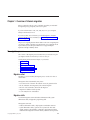
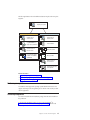
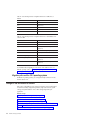
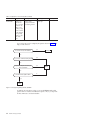
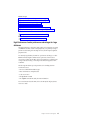
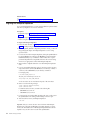
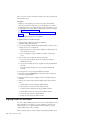
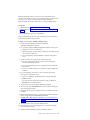
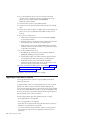
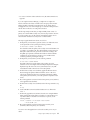
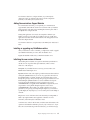
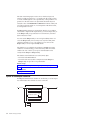
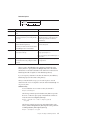
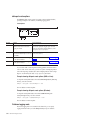
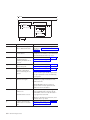
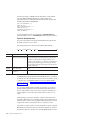
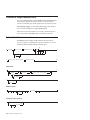
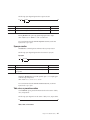
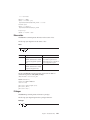
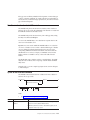
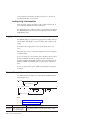
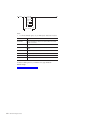
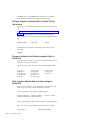
The following diagram shows the syntax of the dbload INSERT statement for
character-position form.
INSERT INTO
table
owner
.
,
(
column
)
;
(1)
VALUES clause
Notes:
1
See the IBM Informix Guide to SQL: Syntax.
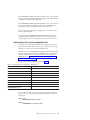
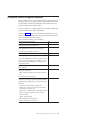
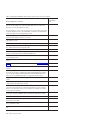
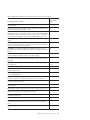
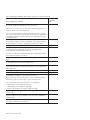
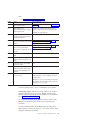
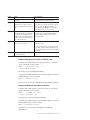
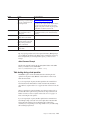
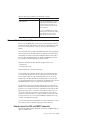
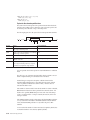
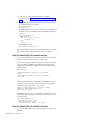
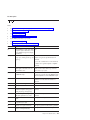
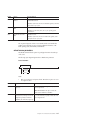
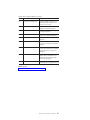
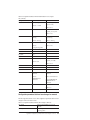
Element
Purpose
Key Considerations
column
Specifies the column that receives the new data
None.
owner.
Specifies the user name of the table owner
None.
table
Specifies the table that receives the new data
None.
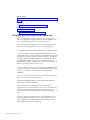
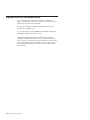
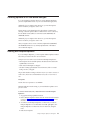
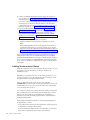
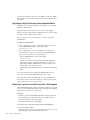
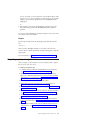
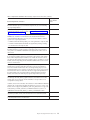
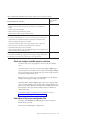
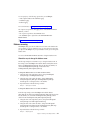
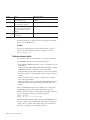
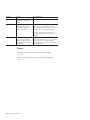
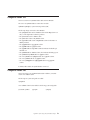
The syntax for character-position form is identical to the syntax for delimiter form.
The user who runs dbload with this command file must have the Insert privilege
on the named table.
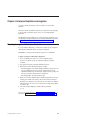
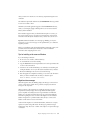
How to write a dbload command file in character-position form
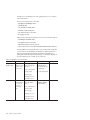
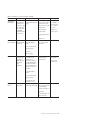
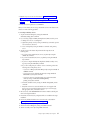
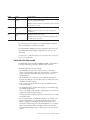
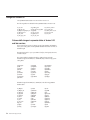
Command files must define data fields and use character positions to define the
length of each field.
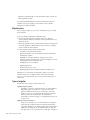
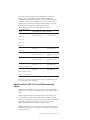
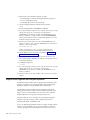
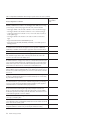
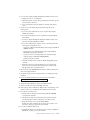
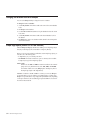
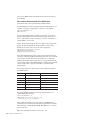
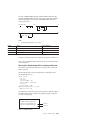
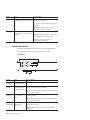
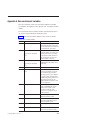
The FILE statement in the following example defines six data fields from the
cust_loc_data table data rows.
FILE cust_loc_data
(city 1-15,
state 16-17,
area_cd 23-25 NULL = ’xxx’,
phone 23-34 NULL = ’xxx-xxx-xxxx’,
zip 18-22,
state_area 16-17 : 23-25);
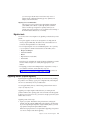
INSERT INTO cust_address (col1, col3, col4)
VALUES (city, state, zip);
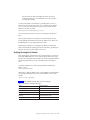
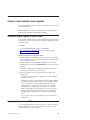
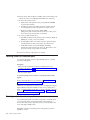
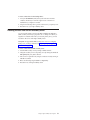
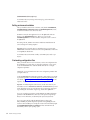
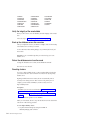
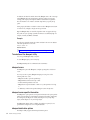
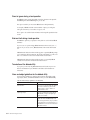
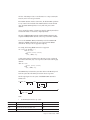
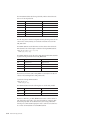
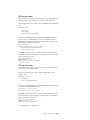
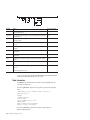
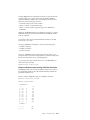
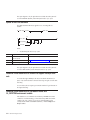
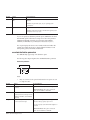
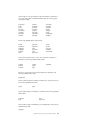
The statement names the fields and uses character positions to define the length of
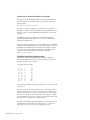
each field. Compare the FILE statement in the preceding example with the data
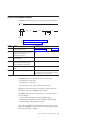
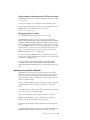
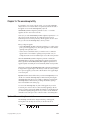
rows in the following figure.
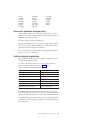
123
1234567890123456789012345678901234
Sunnyvale++++++CA94086408-789-8075
Tempe++++++++++AZ85253xxx-xxx-xxxx
Data row 1
Data row 2
Figure 10-2. A Sample Data File
Chapter 10. The dbload utility
10-11