1
07-17
Electrical Installations
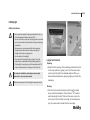
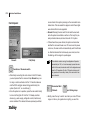
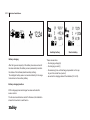
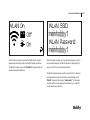
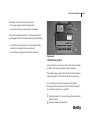
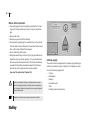
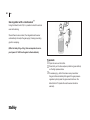
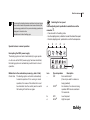
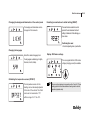
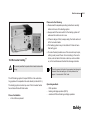
Then select the network, enter the password and click on the
“Connect” button to confirm. You can now call up the website
http://192.168.0.1 in the Internet browser.
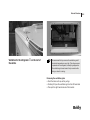
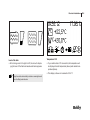
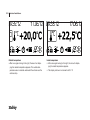
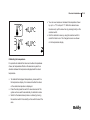
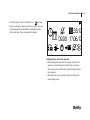
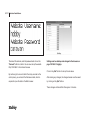
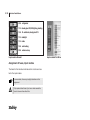
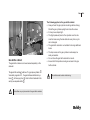
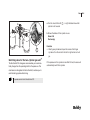
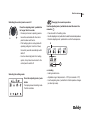
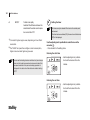
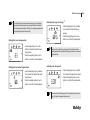
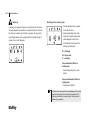
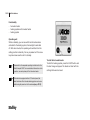
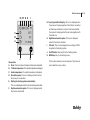
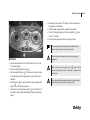
By continuing to turn and confirm the rotary encoder on the
control panel, you will reach the Web server data, which is
required to open the data in the Web browser.
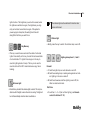
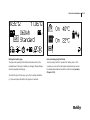
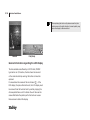
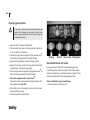
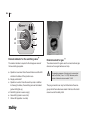
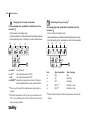
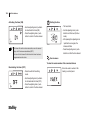
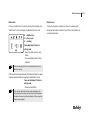
Settings can be called up and changed in the browser on
page 192.168.0.1/cfg.php:
Click on the „Get“ button to call up the set values.
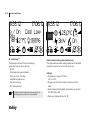
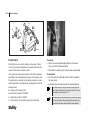
After making any changes, the changed values must be saved
by clicking on the „Set“ button.
These changes will take effect after approx. 2 minutes.