1
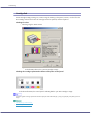
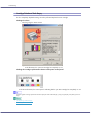
Making Printer Settings
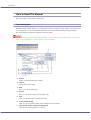
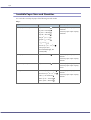
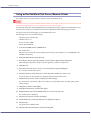
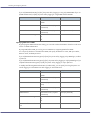
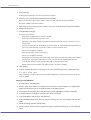
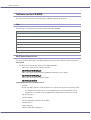
Append CR to LF
You can specify whether or not to append a CR code to each LF code to print text data clearly.
z
On
z
Off
Default: Off
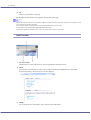
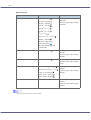
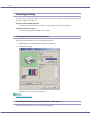
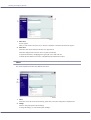
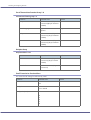
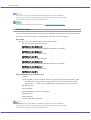
Resolution
You can specify the print resolution in dots per inch.
z
z
z
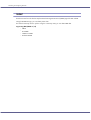
600 × 300 dpi
600 × 600 dpi
300 × 300 dpi
Default: 600 × 300 dpi
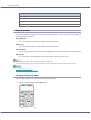
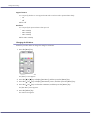
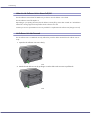
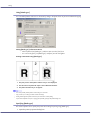
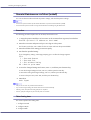
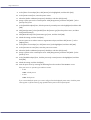
Changing the PCL Menu
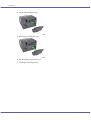
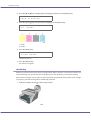
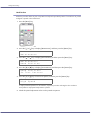
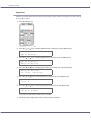
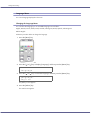
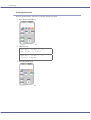
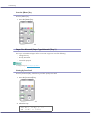
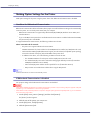
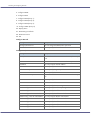
Follow the procedure below to change the setting for Orientation.
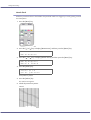
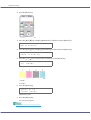
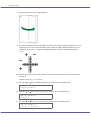
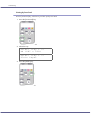
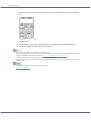
1. Press the [Menu] key.
The [Menu] screen appears.
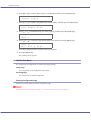
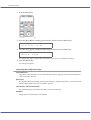
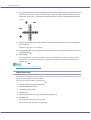
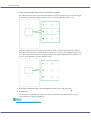
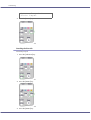
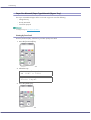
2. Press the [ ] or [ ] key to display [PCL Menu], and then press the [#Enter] key.
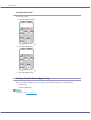
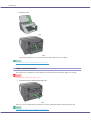
3. Press the [ ] or [ ] key to display [Orientation] screen, and then press the [#Enter] key.
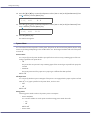
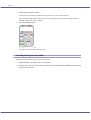
4. Press the [ ] or [ ] key to select the orientation, and then press the [#Enter] key.
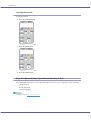
The [PCL Menu] screen appears.
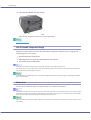
5. Press the [Online] key.
The initial screen appears.
69