1
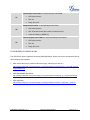
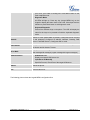
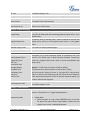
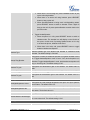
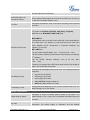
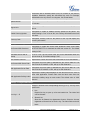
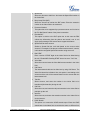
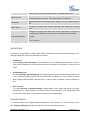
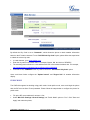
Figure 7: Sending Multicast Page Configuration by using MPK
GXP2124 supports 5 codecs for Multicast Paging. User can specify the multicast page sending codec
under Web UI Settings ->Multicast Paging->Multicast Paging Codec. The supported codecs are PCMU,
G.729A/B, PCMA, G.726-32, G.723, iLBC and G.722.
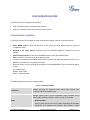
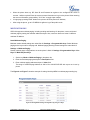
After configuring the sender multicast page, users could make a multicast page to remote parties.
1. Press the configured MPK or Line Key to send a multicast page.
The LED light of the key will turn green and the phone screen will show the multicast address with
defined label.
2. Press the “EndCall” soft key to end the multicast paging.
Receive Multicast Paging
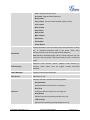
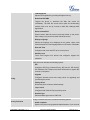
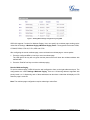
To receive multicast page, GXP2124 must be well configured to listen to the right address and port. The
configurations are under Settings->Multicast Paging. There are 10 listening address supported with
priority levels 1 to 10. Optionally, each of these addresses can also have a label that will display on LCD
when the page is received.
Note: The multicast page configuration requires rebooting to take effect.
FIRMWARE VERSION 1.0.7.4
GXP2124 USER MANUAL
Page 67 of 77