1
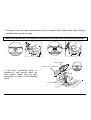
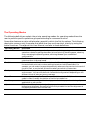
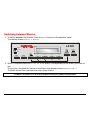
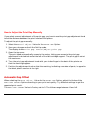
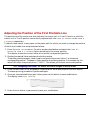
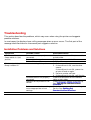
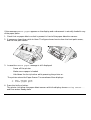
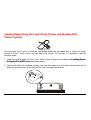
To advance the paper for tearing-off during a print task:
1. Press the Pause button.
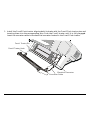
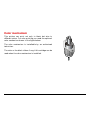
The printer finishes printing the current line. The paper is fed so that the last printed line is
above the tear bar.
2. Press the FF/Load button.
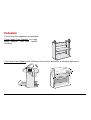
The paper is fed so that the perforation faces the tear bar.
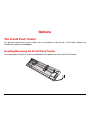
To advance the paper for tearing-off at the end of a print task:
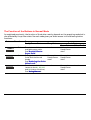
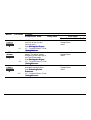
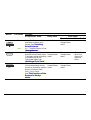
1. Ensure that the TEAR/VIEW MODE Option in the Set-Up is set to one of the Auto. advance
Values and that the printed file includes a final Form Feed command.
2. Just wait the end of the time-out to see the paper perforation automatically being fed to the
tear bar.
54