1
How to manage your Configuration
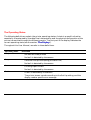
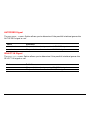
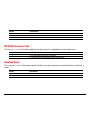
The SAVE Function allows you to manage your printer Configuration.
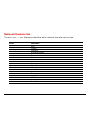
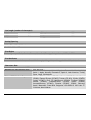
Function
Executable Values
SAVE
Save Config.
Restore Macro X
Rest.all Macros
Recall Factory
You scroll the Values pressing the → or ← button.
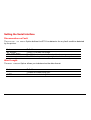
Saving a Configuration
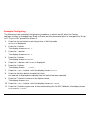
When you have finished selecting the Values, press the Exit button. The display shows
Save Config.
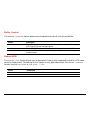
• To permanently save all the changes you made, press the Sel/Save button.
All your changes become the power-on Values for the entire Configuration.
The display shows Processing..., then the basic screen appears.
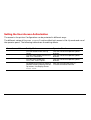
• To temporarily save the changes made for the current Macro only, press the Exit button.
The changes made for the current Macro only become its current Values. (Column
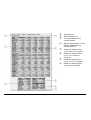
CURRENT VALUES of the Configuration Sheet).
87