1
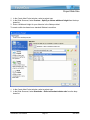
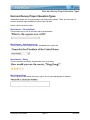
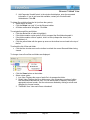
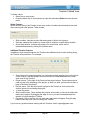
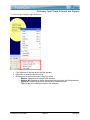
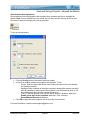
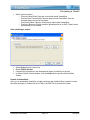
Project Properties To add a custom frame: In the HTML Frame section of the Project Properties window, click the Add (green plus) icon. In the HTML Frame Properties window, enter a Name for the new frame. Click OK. Double-click inside the “coding” field area. In the Resource Properties window that displays, edit as needed. Click OK. To edit or delete an HTML frame: Select an HTML Frame from the drop-down list. To modify an HTML Frame: o Click the Modify (pencil) icon. o In the HTML Frame Properties window, edit the Name and click OK. o Double-click in the “coding” field. o In the Resource Properties window, edit as needed and click OK. To delete an HTML Frame: o Select a frame from the drop-down list. o Click the Delete (red “X”) icon. To Save Project Properties Once all of the options are set up in the Project Properties window, click OK. For more information on Project Properties, contact [email protected]. ViewletQuiz User Manual Page 113 June 2007