1
9
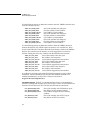
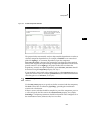
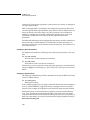
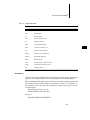
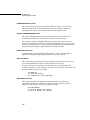
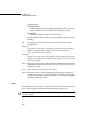
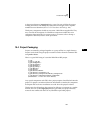
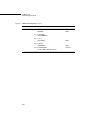
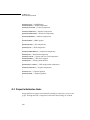
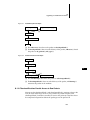
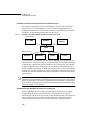
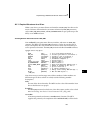
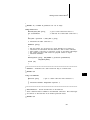
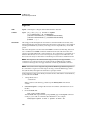
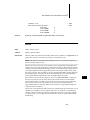
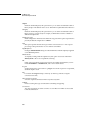
Documentation Guidelines
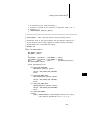
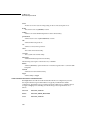
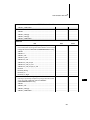
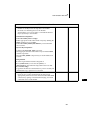
INTRODUCTION
summary of scope and assumptions
FEATURES
supported and unsupported features of the board
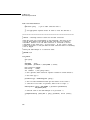
HARDWARE DETAILS
driver and hardware details for the board
SPECIAL CONSIDERATIONS
special features or restrictions
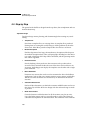
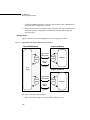
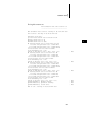
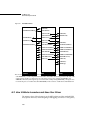
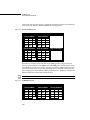
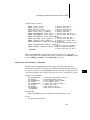
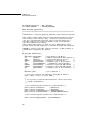
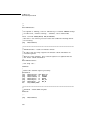
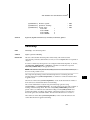
BOARD LAYOUT
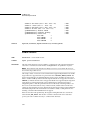
the board layout in ASCII format
9
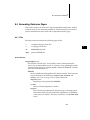
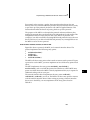
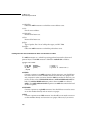
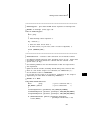
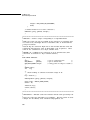
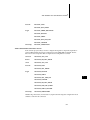
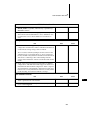
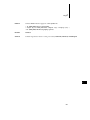
SEE ALSO
references to Wind River documentation
BIBLIOGRAPHY
references to additional documentation
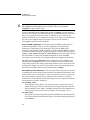
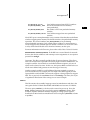
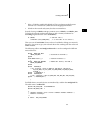
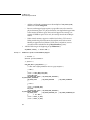
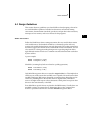
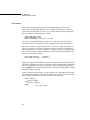
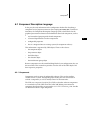
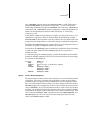
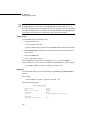
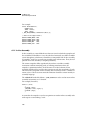
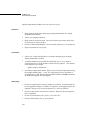
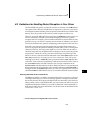
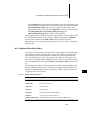
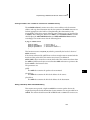
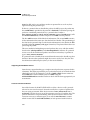
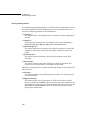
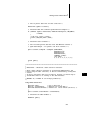
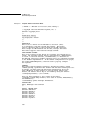
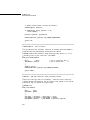
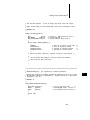
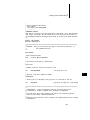
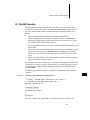
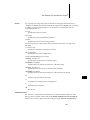
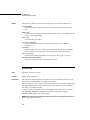
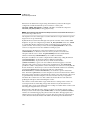
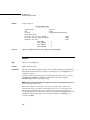
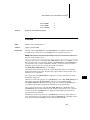
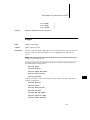
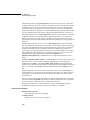
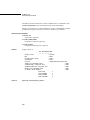
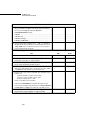
NAME Section
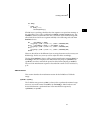
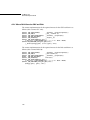
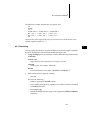
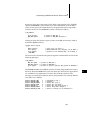
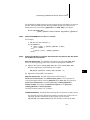
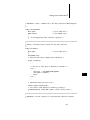
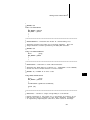
The information in the NAME section should all be on a single line and entered as
a single argument to the .aX macro in the following format:
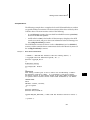
.aX "mfr&board"
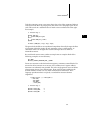
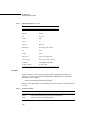
mfr&board stands for the manufacturer’s name plus the manufacturer’s name for
the board model, as described previously. For example:
.aX "Motorola MVME147, MVME147S-1"
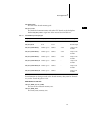
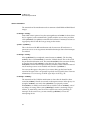
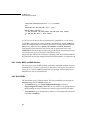
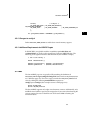
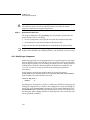
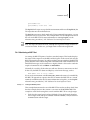
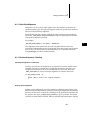
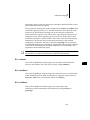
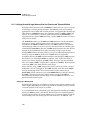
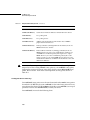
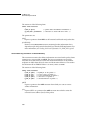
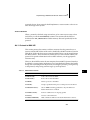
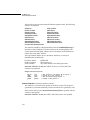
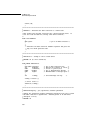
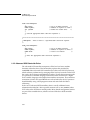
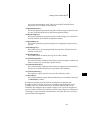
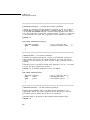
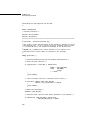
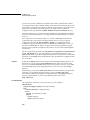
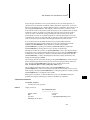
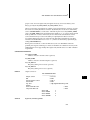
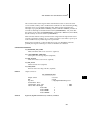
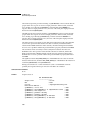
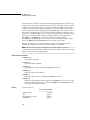
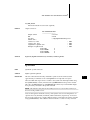
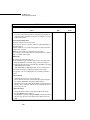
INTRODUCTION Section
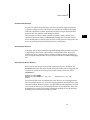
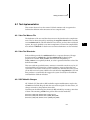
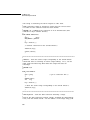
This section includes getting started information, including subsections detailing
ROM installation and jumper settings for VxWorks operation.
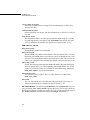
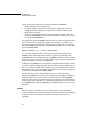
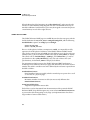
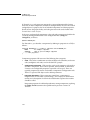
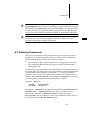
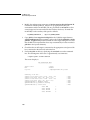
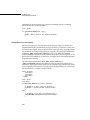
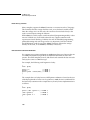
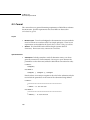
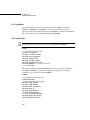
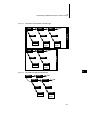
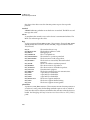
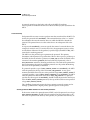
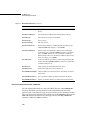
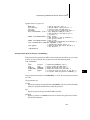
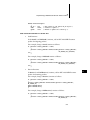
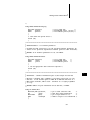
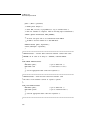
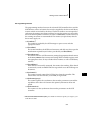
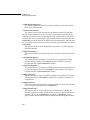
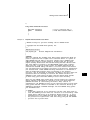
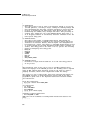
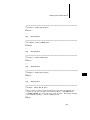
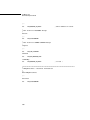
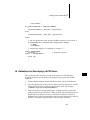
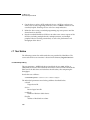
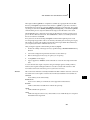
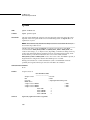
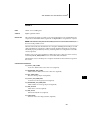
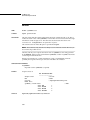
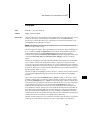
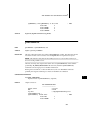
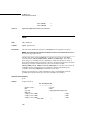
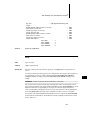
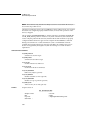
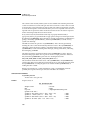
FEATURES Section
This section describes all the features of the board whether or not they are
supported. Every feature of the board should be identified in either of the
subsections, Supported Features or Unsupported Features. Each board configuration
option should be considered a feature. A third subsection, Feature Interactions,
describes how one feature or board configuration affects others.
187