1
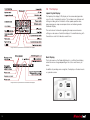
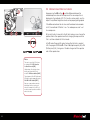
6.2 Dynamic Menu
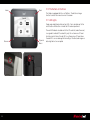
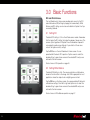
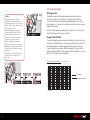
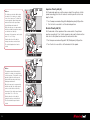
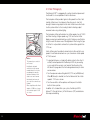
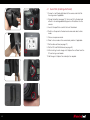
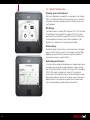
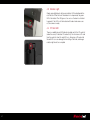
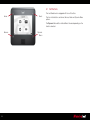
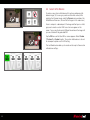
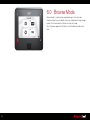
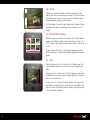
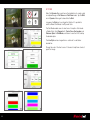
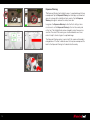
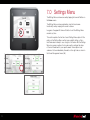
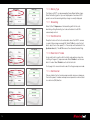
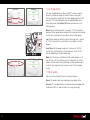
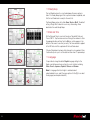
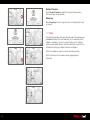
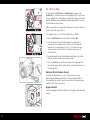
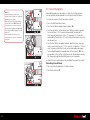
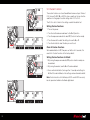
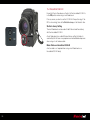
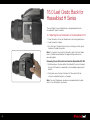
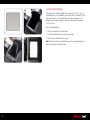
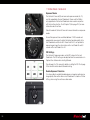
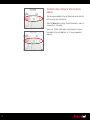
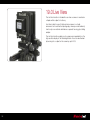
Press the Dynamic Menu button in the lower corner of the back.
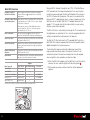
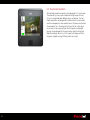
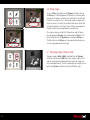
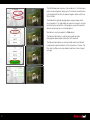
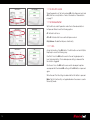
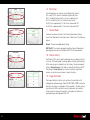
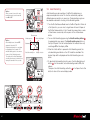
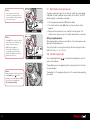
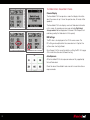
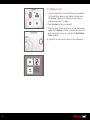
The Full Screen Dynamic Menu features Grid, Custom White Balance
Picker, Rating and Delete options. Press and hold these icons (with a
black triangle in the corner) to further configure.
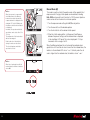
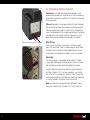
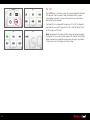
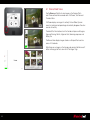
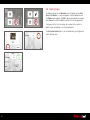
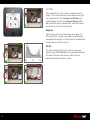
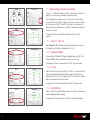
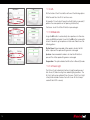
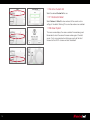
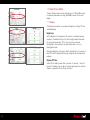
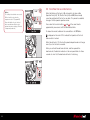
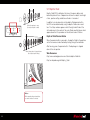
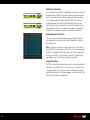
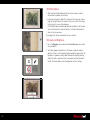
The Tool View Dynamic Menu features Grid, Rating, Black and White
preview and Delete options.
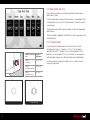
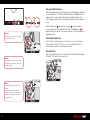
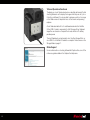
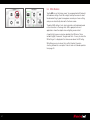
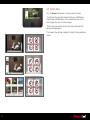
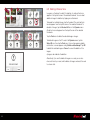
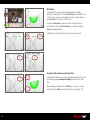
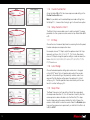
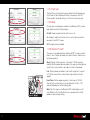
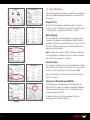
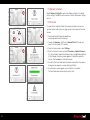
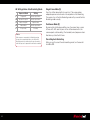
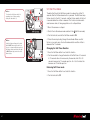
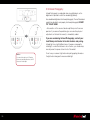
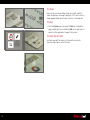
The Thumbnail View features a Deselect All, Select All, Rating and Delete
options.
61