1
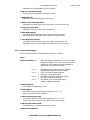
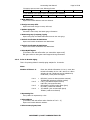
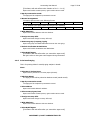
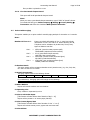
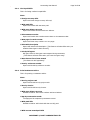
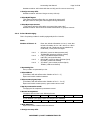
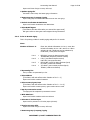
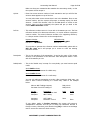
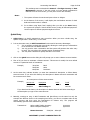
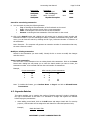
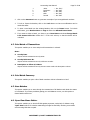
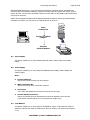
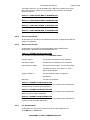
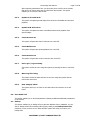
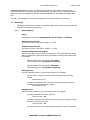
Accounting User Manual Page 58 of 86 REPORTS MENU allows you to view and print general ledgers, financial reports, manufacturing accounts, bank reconciliation statement, payment vouchers, sales and service tax reports, project reports and etc. You may also consolidate reports for Profit and Loss A/C, Balance Sheet statement and group of accounts. PSOFT Accounting system updates all transactions instantly and able to access up-to-date financial information, therefore you can print your financial reports at any time. Enter Transactions Program to update Ledgers Generate Financial Reports 5.1. View Ledgers This option enables you to view individual general ledger, debtor ledger and creditor ledger. 5.2. Print Ledgers This option enables you to view and print individual general ledger, debtor ledger and creditor ledger. Note: Include 0 Balance Report will include accounts with zero balance. With Transaction No. Report will include all the transaction numbers. Save Paper The system will justified and fit several accounts into one page. Include AR/AP Control A/C Report will include Accounts Receivable and Accounts Payable Control Account. [This feature will take effects when printing General Ledger only] 5.3. Trial Balance This option enables you to view and print Trial Balance report. It ascertains the totals of debits are equal to the totals of credits and to find out whether your accounts are balance or not. COPYRIGHT © PSOFT CORPORATION LTD