1
eutaxa ٠ Electronic Keys & Reference Collections٠ User Manual
Navigation within the Manual
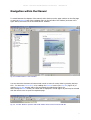
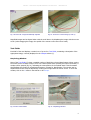
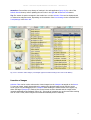
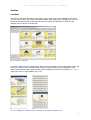
To switch between the chapters of the manual, either click on one the page numbers on the first page
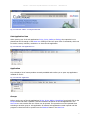
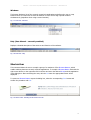
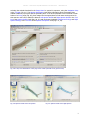
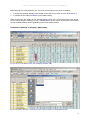
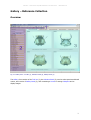
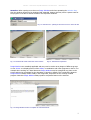
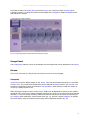
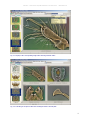
or enter the Bookmarks tab of the navigation pane on the left side of the window (as shown in the
figure below) and select one of the listed titles or subtitles.
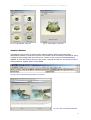
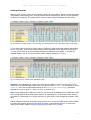
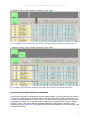
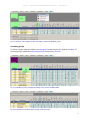
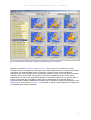
Fig. 01: Acrobat Reader 7.0: User interface
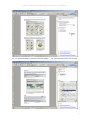
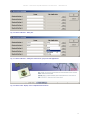
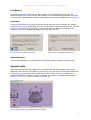
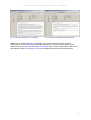
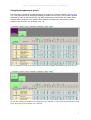
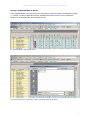
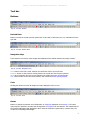
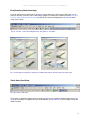
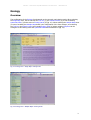
You can search the document to locate certain words or series of words, either by pressing the keys
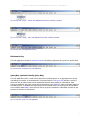
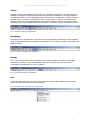
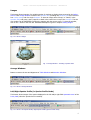
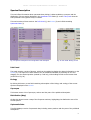
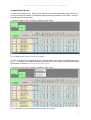
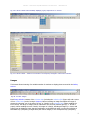
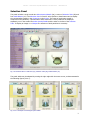
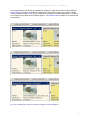
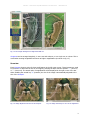
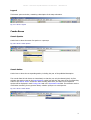
Ctrl + F to insert the Find toolbar, or by enabling the binocular button in the tool bar (figure 02) to
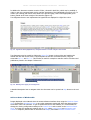
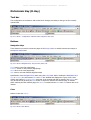
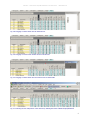
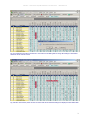
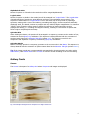
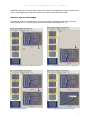
open the Search PDF window and to type and search the wished term (figure 03).
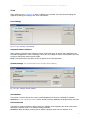
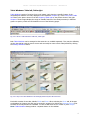
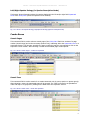
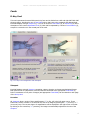
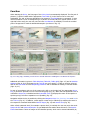
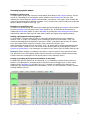
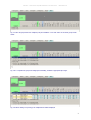
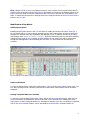
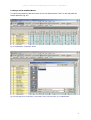
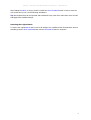
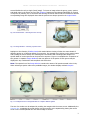
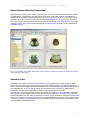
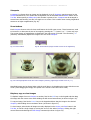
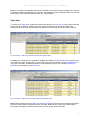
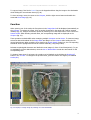
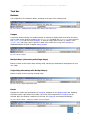
After clicking the Search button, the results will be displayed in a field (figure 04) and may be selected
with the mouse cursor to open the respective page.
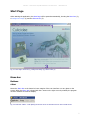
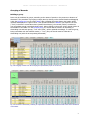
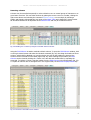
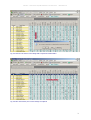
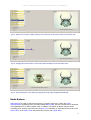
Fig. 02: Tool bar: Button to open the Search PDF window and to search across the PDF file
2