1
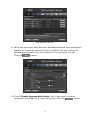
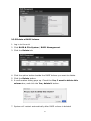
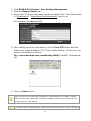
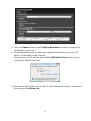
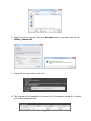
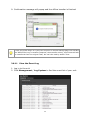
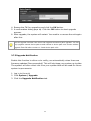
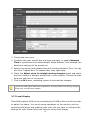
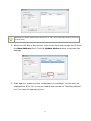
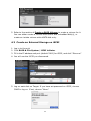
4. Browse the FW for upgrading and click the OK button.
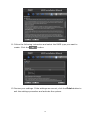
5. A confirmation dialog pops up. Click the OK button to start upgrade
process.
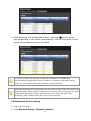
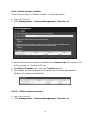
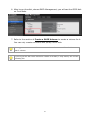
6. After upgrade, the system will restart. You need to re-access the unit again
after this.
The FW upgrade includes Titan server FW upgrade and device pack upgrade. You can
only upgrade camera device pack to add camera in device pack new version without
upgrade Titan FW after version v1.3 and device pack v2.0.
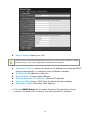
2.7.5 Upgrade Notification
Enable this function to allow us to notify you automatically when there are
firmware updates (Recommended). This will help keep your system up to date.
The updater will also collect info from your system that will be used for future
system improvements.
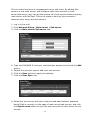
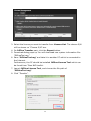
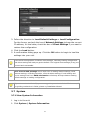
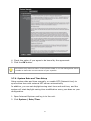
1. Log in to the unit.
2. Click System / Upgrade.
3. Click the Upgrade Notification tab.
66