1
repeat these steps. The metadata from the HDF file represents the third input of this component.
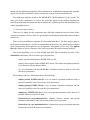
There is a single metadata structure that has several attributes (e.g. Fpar, Lai, Ndvi, etc) stored in
a combo box. From this combo box the user can select one attribute in the process execution
workflow.
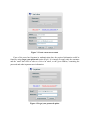
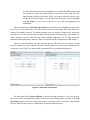
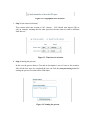
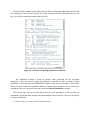
Giving a name and a description to the execution process is another important issue. All the
aspects related to this case have been presented for the Coarse to fine method.
4.3. Start a new processing on the Grid infrastructure
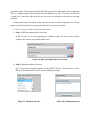
a. Step 1 (HDF and temperature file selection)
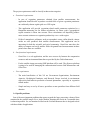
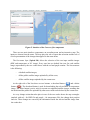
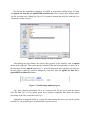
In this scenario we are not uploading new satellite images, but we are using already
existing ones from the two related combo boxes.
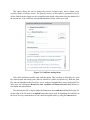
Figure 16. HDF and temperature file selection
b. Step 2 (Metadata attribute selection)
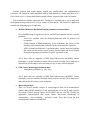
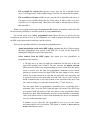
Fig.17 presents the metadata structure for the MOD17.hdf file. From this list we select
the Fpar_1km attribute that will be used for further processing.
Figure 17. Metadata selection
Figure 18. Naming the process