1
DATA BACKUP
SysBackup
6.2.3
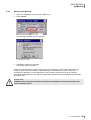
Restoring the Backup
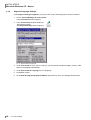
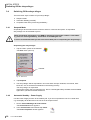
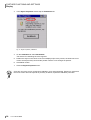
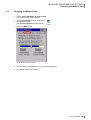
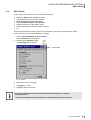
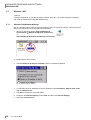
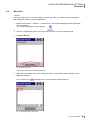
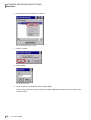
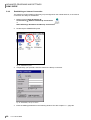
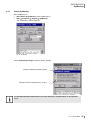
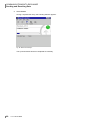
1. Open the "SysBackup" program (see chapter 6.2.1).
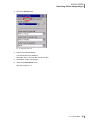
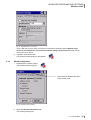
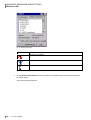
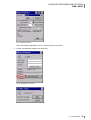
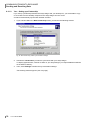
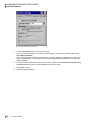
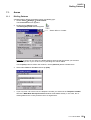
2. Select restore.
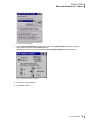
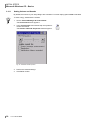
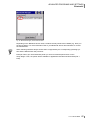
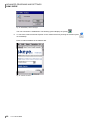
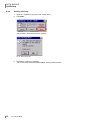
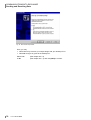
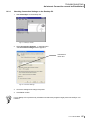
The message "Execute restore?" appears.
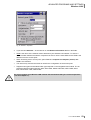
Fig. 55: Execute restore?
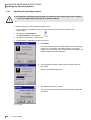
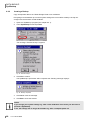
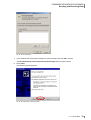
3. Click Yes to confirm the message.
The backup will be imported.
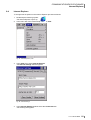
If there is no backup after a restart or if a backup is not required (e.g. after a warm start) the "Sysbackup" program searches all flash media (including the "FlashStorage" memory card) for the
"autostat.exe" application. If such application is found it will be executed. There is an autostart
mechanism independent from the registry as Sysbackup will always be automatically performed after
the system start.
Please note:
RAM data will possibly be overwritten. All data will be updated to the state prevailing at the
time of backup creation.
1.0 • 18.12.2009
69