1
WORKING WITH TAGS
EDITING PROPERTIES
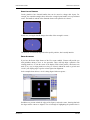
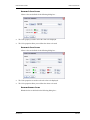
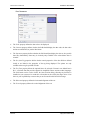
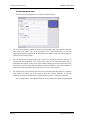
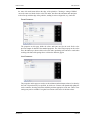
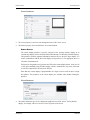
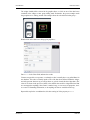
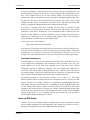
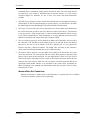
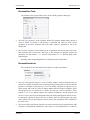
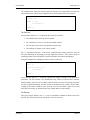
can be used to tell Crimson to use the default data type to create any other missing tags
contained within this expression without any further prompting.
COMMS REFERENCES
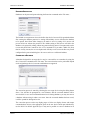
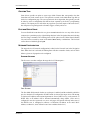
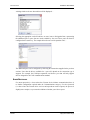
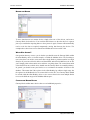
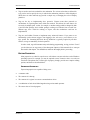
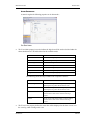
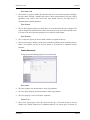
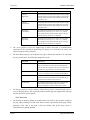
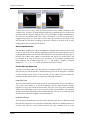
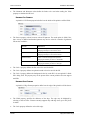
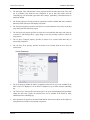
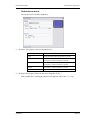
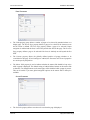
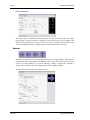
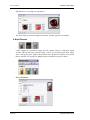
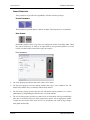
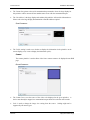
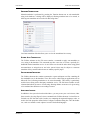
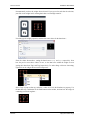
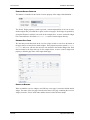
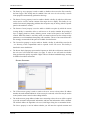
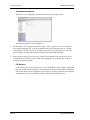
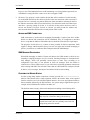
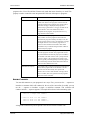
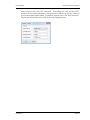
To select a register from a comms device, select a device from the drop-down menu. A dialog
box will be displayed, allowing you to choose a register within that remote communications
device. The various communications devices are listed at the end of the menu in the order in
which they were created. You may also select the Next option from the drop-down menu,
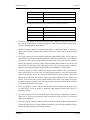
thereby setting the current tag equal to the last-used PLC register plus the number of registers
mapped to that address. For example, mapping a 32-bit tag to Modbus register 40001 and
then selecting Next will map the subsequent tag to 40003.
EDITING AN EXPRESSION
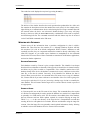
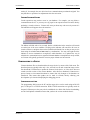
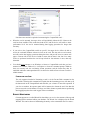
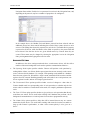
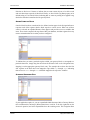
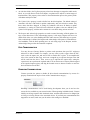
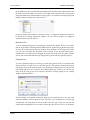
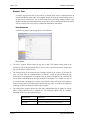
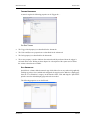
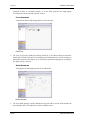
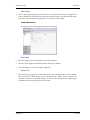
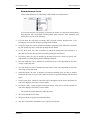
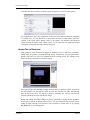
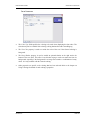
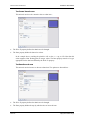
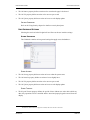
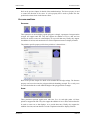
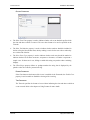
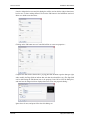
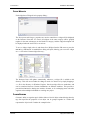
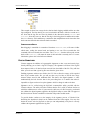
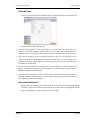
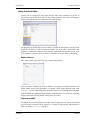
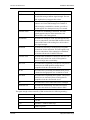
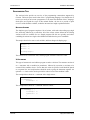
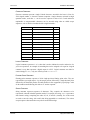
As mentioned above, general expressions are typically edited directly in the edit box of the
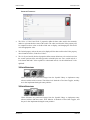
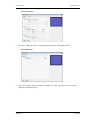
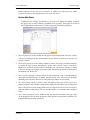
property. However, they can also be edited by pressing the Edit button next to the field,
thereby activating a dedicated dialog box that allows more of the expression to be seen…
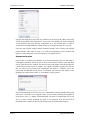
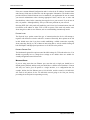
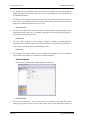
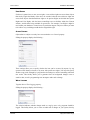
The editor used in this dialog box is the same as is used for creating global programs. It
therefore provides syntax coloring. You can also access help information on system functions
by placing your cursor in or at the end of the function name and pressing F1.
COMPLEX EXPRESSIONS
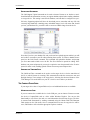
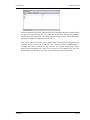
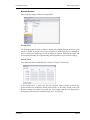
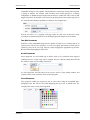
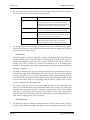
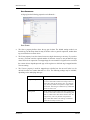
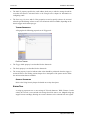
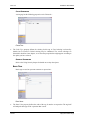
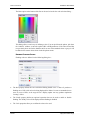
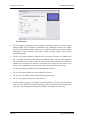
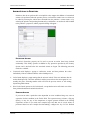
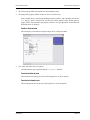
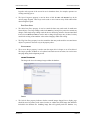
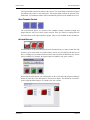
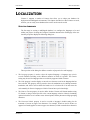
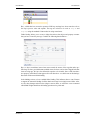
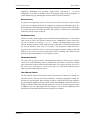
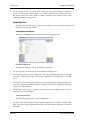
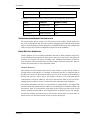
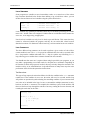
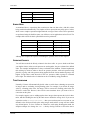
If your expression is too complex to fit into a single line—or if you would simply rather write
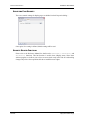
it as a program—you may select the Complex option from the drop-down menu, thereby
allowing a local program to be created…
REVISION 2.6
PAGE 39