1
Chapter 3: Using the display and keypad
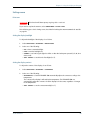
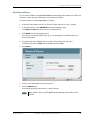
Setting the power up mode
By default, the EXPLORER 500 starts up automatically when you apply external power. You can
change this mode, so that you always have to press the Power button to switch on the
EXPLORER 500.
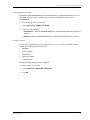
To set the power up mode, do as follows:
1.
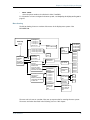
Select SETTINGS > POWER UP MODE.
2. Select one of the following:
• AUTOMATIC: to have the EXPLORER 500 power on automatically when external power is
applied.
• MANUAL: to have the EXPLORER 500 power on only when the Power button is pressed.
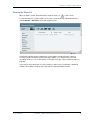
Restoring settings
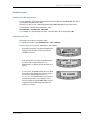
You can restore default values for the settings in the SETTINGS menu, except the contrast
setting. The following settings are restored:
•
Backlight
•
Audio indicators
•
Stealth mode
•
Interfaces enabled
•
Power up mode
Note that all other settings are left unchanged.
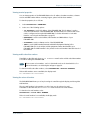
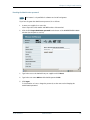
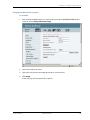
To restore settings, do as follows:
1.
Select SETTINGS > RESTORE SETTINGS.
2. Press OK.
TT 98-122274-O
42