1
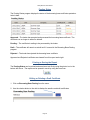
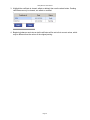
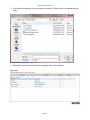
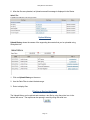
StuckyNet-Link User Manual Creating a New Borrowing Base Certificate 1. Click on Borrowing Base Posting from the menu. 2. Enter a reference number in the ‘Reference’ field under the heading ‘Borrowing Base Posting’. 3. The reference number can be from one to six characters. If you duplicate a certificate number, you will be warned that the certificate number has been used. You can choose to use the same certificate number or enter a new one. One recommended format for the certificate number is to use the date in the form of mmddyy, e.g. use 101112 for October 11, 2012. Hit ENTER; a blank certificate will be displayed i The text fields in blue are for your data entry. Page 6