1
Spot Process SEPARATION SOFTWARE / Channels Menu
Channels Menu: (continued)
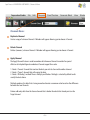
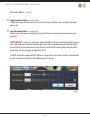
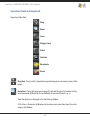
Move Away From Ground
Move Toward Ground
Move away from and move toward Ground changes the print position of a selected channel. You may
use this to view how a custom print order will effect the print on press. Moves a Channel one print
position at a time.
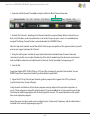
User Tip: Quickly move a Channel to any print position using the Channel Properties window. Click the
color swatch in the VueRite window or Right Click a Channel in the Channel Window and choose
Channel Properties. Change the "press position" number.
It is strongly advised to use the default print positions. This is a tested and proven configuration. A
great Standard Operating Procedure (SOP) that your production printers will appreciate.
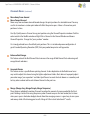
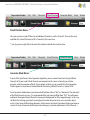
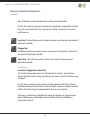
Enhance Red Orange
This feature extends the Red Channel Data to increase the range of Red Channel Data enhancing red/
orange blends and colors.
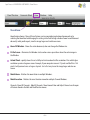
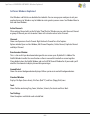
Generate Brown
This feature creates a specific Brown printing channel. A close duplication to the Red channel users
may wish to adjust this channel using the lighten adjustment sliders. Best advice is to properly adjust
your color image "pre-separation" and allow Spot Process to create fantastic browns as secondary and
tertiary colors and not add an extra Brown Channel to the print run.
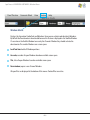
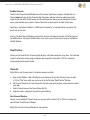
Merge (Merge Grey, Merge Purple, Merge Turquoise)
These features individually combine Channels to reduce the amount of screens needed for the final
print. Nothing is better than using the primary color Channels on press for total control, but in times
when press space is limited or budgets do not allow then merging screens is a great way to save space
and money while still achieving great results. Merge all 3 for instant ColorCrunch™ results.
– 14 –