1
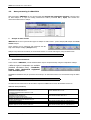
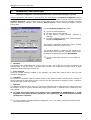
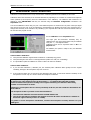
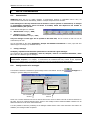
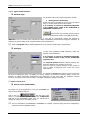
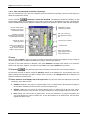
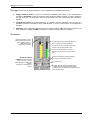
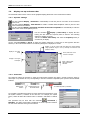
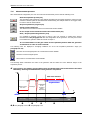
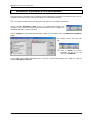
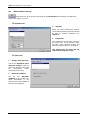
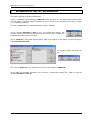
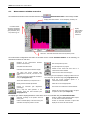
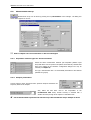
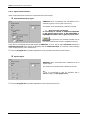
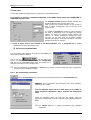
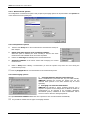
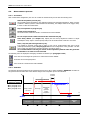
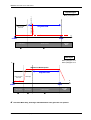
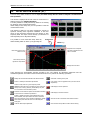
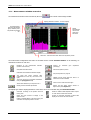
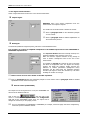
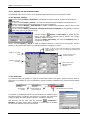
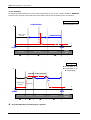
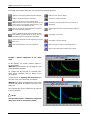
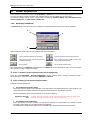
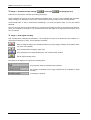
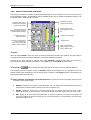
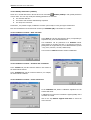
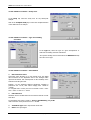
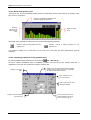
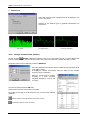
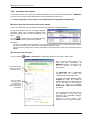
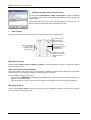
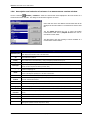
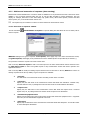
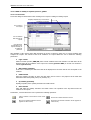
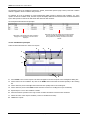
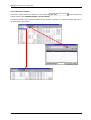
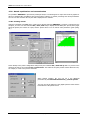
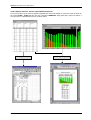
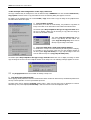
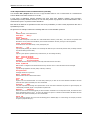
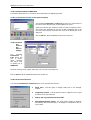
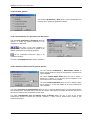
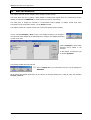
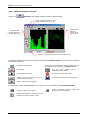
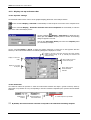
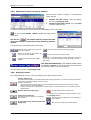
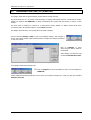
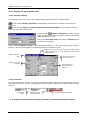
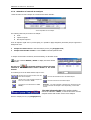
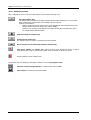
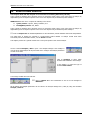
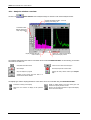
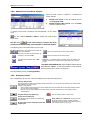
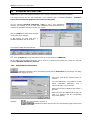
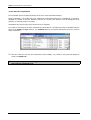
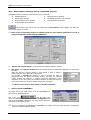
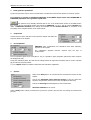
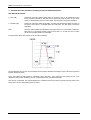
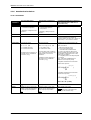
DBBATI32 SOFTWARE SUITE: USER MANUAL The threshold search command (command Study / Threshold / Search) allows the user to define the level of the threshold (value given in physical unit) and a slope (positive or negative) to the threshold condition. When the threshold condition has been fulfilled, the cursor is located at the threshold exceedance on the graphical view. allows the user to stop the threshold search and the command The command next threshold exceedance. allows the user to find the The horizontal toolbar allows the user to define display parameters of the graphical view. It is possible to use zoom functions to zoom a part of the signal and perform an autoscale for the zoom view. The display units depend of the type of graphical view. For signals, it is possible to select the following display units: ADC : Displays the dynamic in dB converter. It’s a relative decibel level. The 0dB level is the full-scale value of the converters (i.e. a sample which has a numerical value of 2 16 (32767) corresponds to the 0dB value). dBADC values are always negative between 0 and -90dB. V : Dynamic display in Volts. Physical unit : If the transducer is a microphone, he dynamic is displayed in Pascals (Pa), If the transducer is an accelerometer, the dynamic is displayed in Acceleration (m/s²). For sound and vibration quantities of type autospectrum, cross-spectrum and transfer functions, it is possible to select the following display units: dB : Level in decibels of the considered quantity (Leq, Slow, Fast, Impulse, etc…) RMS (Root Mean Square) : Average quadrate value for all the instantaneous squared values expressed in physical units. PWR (Power) : The power represents the average of a squared value. It is the unit used to determine the power at a given frequency for a determined (sinusoidal) signal. It is expressed in squared units It is possible to display up to two signals on the same graphical view if the data items have the same characteristics (periods, duration). CHAPTER 15 -MANAGEMENT OF MEASUREMENT SESSION DATAFILES (CMG) PAGE 89