1
Chapter 3Designing Layout of OTFT
D. Ion-Gel Dielectric
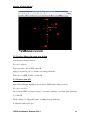
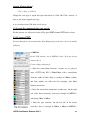
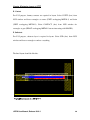
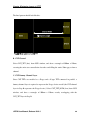
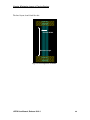
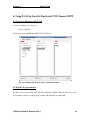
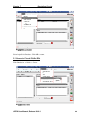
Select IONGEL_TFT (drw) from LSW window, and draw a rectangle of 700um x 120um,
completely enclosing the CNT channel, with 25um extension on the length direction and
50um extension on the width side onto METAL1.
E. PEDOT Conductive Layer
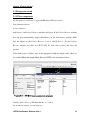
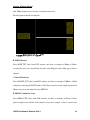
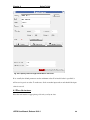
Select PEDOT_TFT (drw) from LSW window, and draw a rectangle of 675um x 25um,
placed roughly in the middle of the channel. Locate the rectangle so that it extends onto
METAL1 over Iongel layer on the gate side by 50um. Iongel layer should also enclose
this PEDOT layer by 25um on the right side.
F. Contact
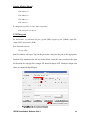
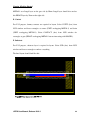
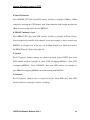
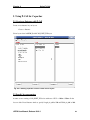
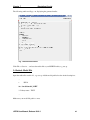
For LVS purpose, dummy contacts are required in layout. Select COTFT (drw) from
LSW window and draw rectangles at source (CNT overlapping METAL1), drain (CNT
overlapping METAL1). Select CONTACT (drw) from LSW window for rectangles at
gate (PEDOT overlapping METAL1 but not interacting with IONGEL).
G. Substrate
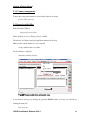
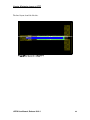
For LVS purpose, substrate layer is required in layout. Select SUB (drw) from LSW
window and draw a rectangle to enclose everything.
OPDK User Manual, Release 2014.3
41