1
AARO 11.0 USER MANUAL
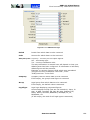
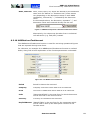
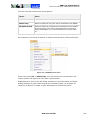
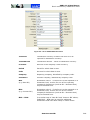
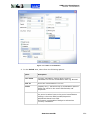
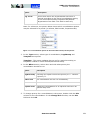
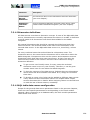
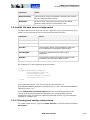
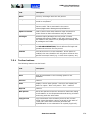
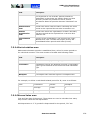
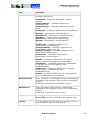
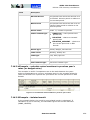
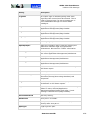
Excel connectivity. AARO Excel send
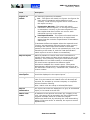
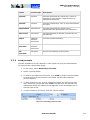
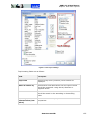
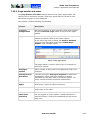
NA (not
applicable)
Indicates that this field is not used.
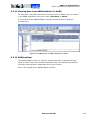
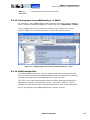
6.3.15 Viewing data from ABSSendOper in AARO
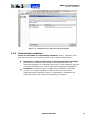
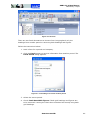
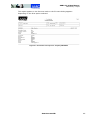
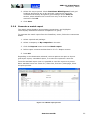
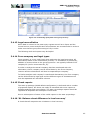
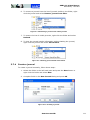
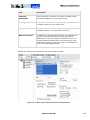
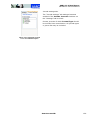
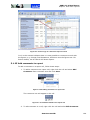
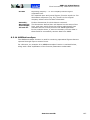
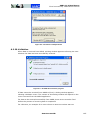
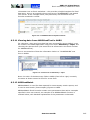
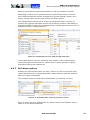
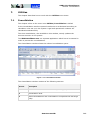
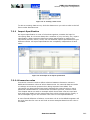
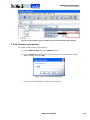
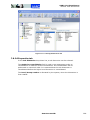
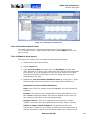
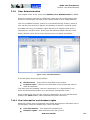
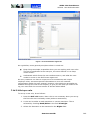
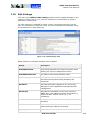
For reference: when ABSSendOper data has been successfully sent to AARO, it
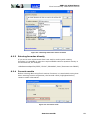
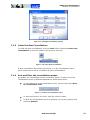
can be viewed in the AARO application using menu item: Data Entry > Input.
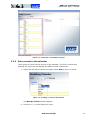
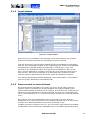
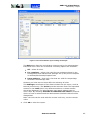
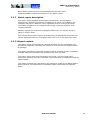
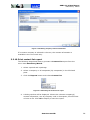
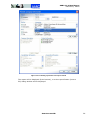
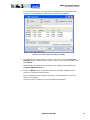
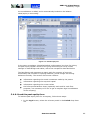
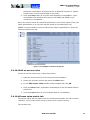
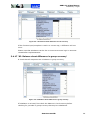
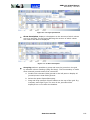
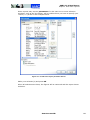
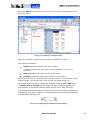
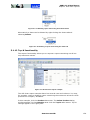
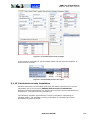
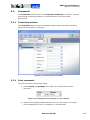
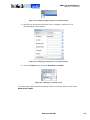
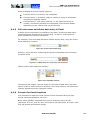
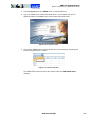
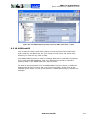
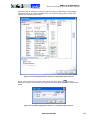
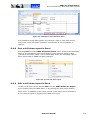
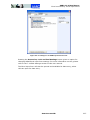
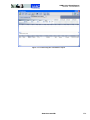
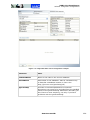
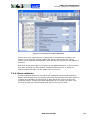
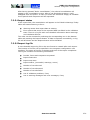
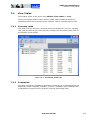
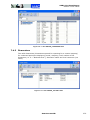
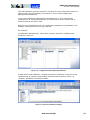
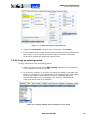
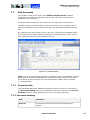
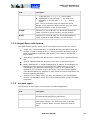
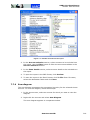
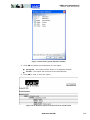
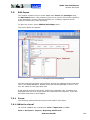
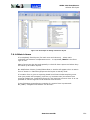
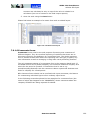
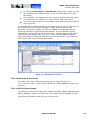
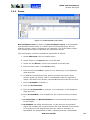
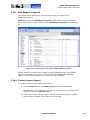
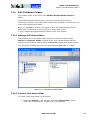
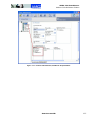
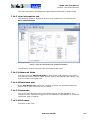
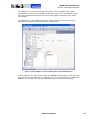
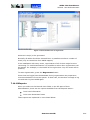
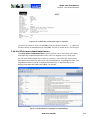
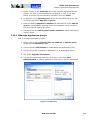
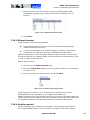
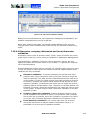
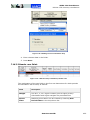
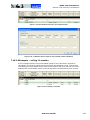
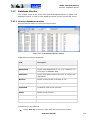
In the example given above, data was viewed in the form IS_ALL, for the
product “FOOD”. A screenshot has been included for reference here:
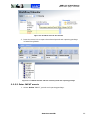
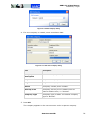
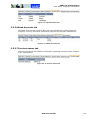
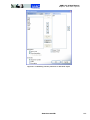
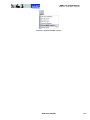
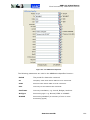
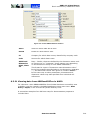
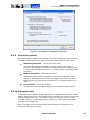
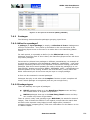
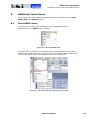
Figure 6.3—22 ABSSendOper data viewed in AARO, Data Entry > Input
6.3.16 ABSSendOperFlex
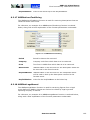
The ABSSendOper function is used for sending data that is reported through
input or matrix forms into the AARO database, and is an alternative process to
manually entering data in the AARO data entry input screens.
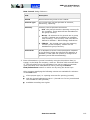
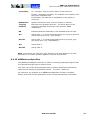
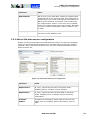
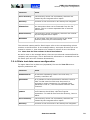
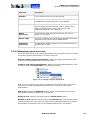
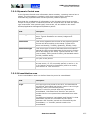
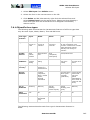
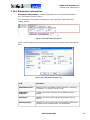
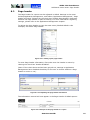
The “Flex” part of the formula allows users to define dimensions themselves,
rather than according to predefined criteria – see Dim1 / Dim2 etc. This is
explained in more detail in the “Additional Dimension” area of the table below.
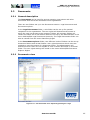
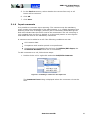
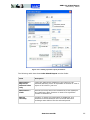
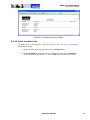
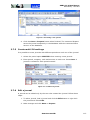
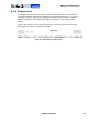
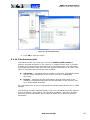
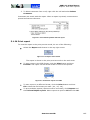
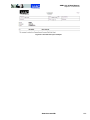
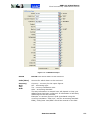
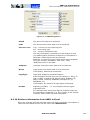
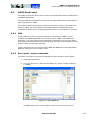
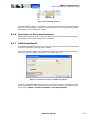
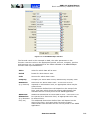
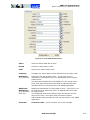
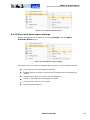
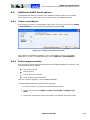
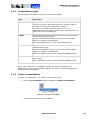
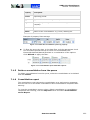
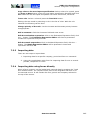
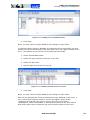
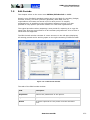
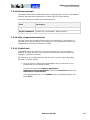
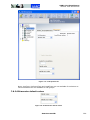
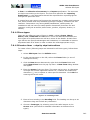
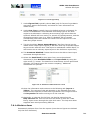
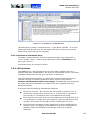
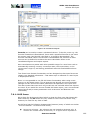
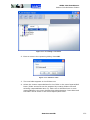
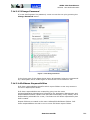
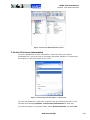
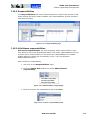
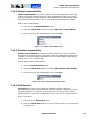
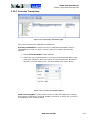
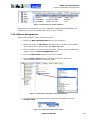
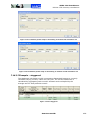
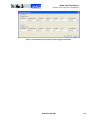
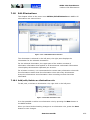
Here is an example of an ABSSendOperFlex function in Excel:
AARO SYSTEMS AB
209