1
25
Chapter 5: Generating Reports
There are several report types from which you can choose. You can generate
the following report types:
• DNA Typing and Cell Information Report
• Selected Alleles Report
• Cell Combined Report
• Data Display By Range
To select a report type, choose Reports from the Main menu, and then select
the type of report you want to generate.
DNA Typing and Cell Information Report
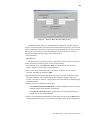
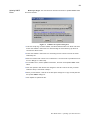
You can select DNA Typing and Cell information to generate a cell sample report.
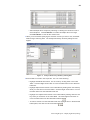
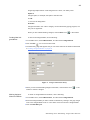
1 Enter a range of cell samples by selecting a beginning sample ID and an ending
sample ID from the drop down lists. Open the drop down lists by clicking on the
question marks (?). Refer to “Selecting A Range of Cell IDs” on page 31 for more
information about using the question mark button to select Cell IDs.
• Include Deleted Records
Select the appropriate button to indicate whether or not to include
deleted records.
• Sort By
Select the radio button corresponding to your choice. You can sort the
report by Cell ID, by Patient Name,
or by Patient ID.
2 Click OK to generate the report.
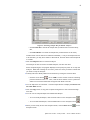
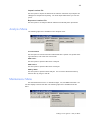
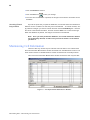
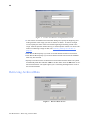
The following sample depicts header for the report, which shows what data is
included:
Selected Alleles Report
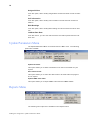
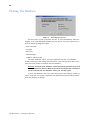
You can choose Selected Allele(s) to generate a report of selected alleles.
G e ne r a t i n g R e p o r t s: D N A T y p i n g a n d C e l l In f o r m a t i o n