1
Maintenance
h
i
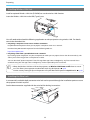
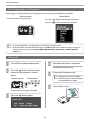
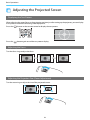
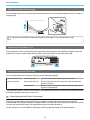
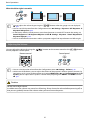
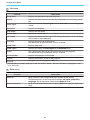
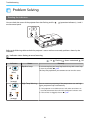
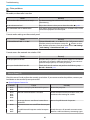
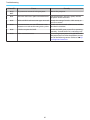
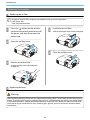
Replace the lamp cover.
Slide the cover back into place.
Tighten the lamp cover fixing screw.
Warning
Do not disassemble or remodel the lamp. If a modified or disassembled lamp is installed in the projector
and used, it could cause a fire, electric shock, or an accident.
Caution
• Make sure you install the lamp and lamp cover securely. If they are not installed correctly, the power does
not turn on.
• The lamp contains mercury (Hg). Dispose of used lamps in accordance with your local laws and regulations
on disposing of fluorescent tubing.
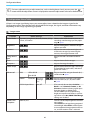
Resetting lamp hours
After replacing the lamp, make sure you reset the lamp hours.
The projector records how long the lamp is turned on and a message and indicator notify you when it is time
to replace the lamp.
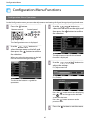
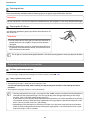
a
Turn on the power.
b
Press the
c
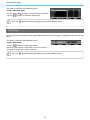
Select Reset - Reset Lamp Hours.
d
button.
Use the
buttons to select Yes,
and then press the
button to
execute.
The lamp hours are reset.
The Configuration menu is displayed.
A reset confirmation message is displayed.
72