1
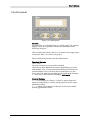
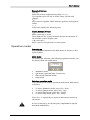
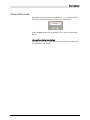
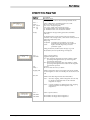
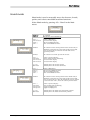
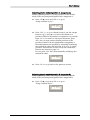
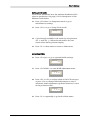
User´s Manual 8. Put a magazine in both magazine positions. Adjusting shuttle infeed position Shuttle infeed position is the position of the shuttle where PCBs from a preceding machine is transported into the shuttle conveyor. 9. Press <F2 ‘Conv’> in Setup main menu to go to shuttle/conveyor setup. 10. Press <F4 »> to go to “Setup Infeed pos.’. InfeedPos: « ↑↓ 089mm Set GO 11. Press <F2> ↑↓> to go to shuttle control, use the orange buttons < > and < > to move the shuttle to a position where PCB transfers from a preceding machine into the shuttle conveyor is possible. Press <F1 «> to return to Infeed pos sub menu, press <F3> Set> to store current shuttle position as the position where PCBs are transferred from a preceding machine into the shuttle conveyor. Fine adjustments are possible by manually modifying the numerical value and pressing <F4> GO> to verify position. Instructions on how to use the numerical buttons are found on page 14. Do not press <F3> Set> after manually modifying the numerical value. InfeedPos: « ↑↓ 089mm Set GO 12. Press <F1 «> to go back to the previous screen. MB809_090410u.doc 34