1
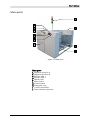
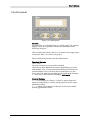
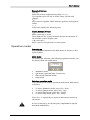
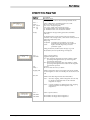
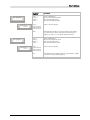
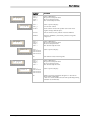
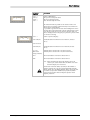
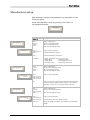
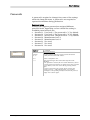
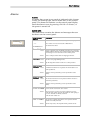
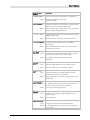
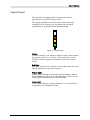
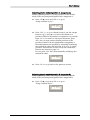
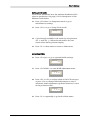
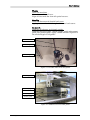
User´s Manual Emergency stop buttons There are two emergency stop buttons on the machine. One on each elevator cabinet. Emergency stop buttons are red and stops all machine movements immediately when pressed down. The button is released by being pulled up and/or turned counter-clockwise. At least one emergency stop button must always be pressed down when hands, fingers, tools or other objects are in the risk area of movable machine elements. Restart To restart the machine after an emergency stop: 1. Release the emergency stop button by pulling it up or turning it counter-clockwise. 2. Start the operation as normal. Emergency movement of machine elements The elevator unit cannot be moved by hand. If an accident has occurred and an emergency movement of the elevator unit is required, use the following procedure: 1. Leave the power on. Do NOT turn off the main power switch. 2. Release the emergency stop button by pulling it up and/or turning it counter-clockwise, and reset the alarm message by pressing <F4> ‘OK’. 3. Press <F3> ‘Hand’> in Main menu to enter Hand mode. 4. Press <F4> in first Hand menu to enter Elevator menu. 5. Use orange buttons ‘’ and ‘’ to move the elevator up and down. After an emergency stop, it is only possible to move the elevator up and down manually by using the two orange arrow buttons. Elevator positioning in any other way requires a home positioning to be performed first. If production is started (Auto mode) after an emergency stop, the elevator will automatically perform a home positioning before performing any other positioning. MB809_090410u.doc 2