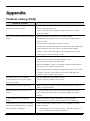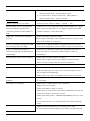
1
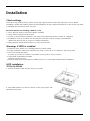
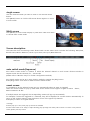
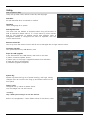
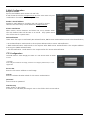
1. Lift HDD bracket to a direction shown in the right picture and
separate from the bottom.
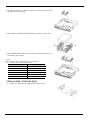
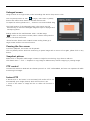
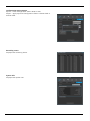
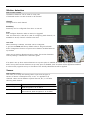
2. Place HDD in a HDD bracket and fasten 4 screws on each side.
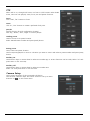
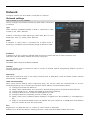
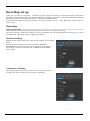
3. Place HDD bracket fastened with screws in DVR and fasten it on
the bottom with screws.
<Note>
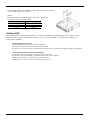
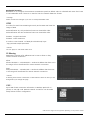
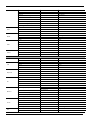
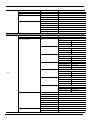
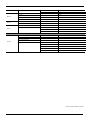
Below is SATA cable socket sequence of a mainbaord.
Up to 5 HDDs can be installed inside DVR.
Main Board
INT A
INT B
INT C
INT D
INT E
eSATA
Disk Manager
INT A
INT B
INT C
INT D
INT E
eSATA
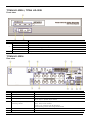
TITAN HD-SDI8 / TITAN HD-SDI16
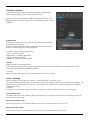
1.
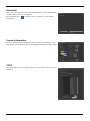
Tighten the both side of HDD bracket using screws.
14