1
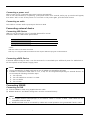
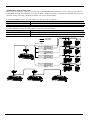
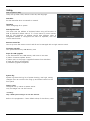
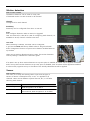
Confituration using 1 serial ports
When using 1 serial port, user can connect both of PTZ(DOME) and Keyboard to a port, and user can select a
PTZ(DOME) through the keyboard. According to DVR’s COM port setting, connected controllable device can be
selected, and by choosing a DVR ID, keyboard can control several DVRs.
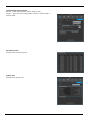
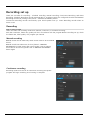
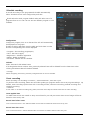
In case PTZ(DOME) is setup on DVR COM port, user can use it as follows.
Control device
Connection device
Keyboard (Master/Slave)
All DVRs can’t be controlled/ All PTZ(DOME) can be controlled
DVR
Only PTZ(DOME) directly connected to DVR can be controlled
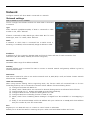
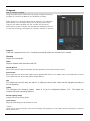
In case Keyboard is setup on DVR COM port user can use it as follows
Control device
Connection device
Keyboard (Master/Slave)
All DVRs can be controlled, All PTZ(DOME) can be controlled
DVR
All PTZ(DOME) can’t be controlled
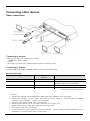
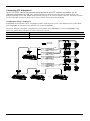
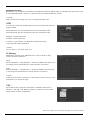
Serial Cable
Video Cable
COM2 or COM3
DOME 1 DOME 2
DOME 16
DOME 17 DOME 18
DOME 32
DOME 33 DOME 34
DOME 48
DOME 240 DOME 241
DOME 255
DVR 1
DVR 2
Master
DVR 3
DVR 255
Slave 1
Slave 2
Slave 255
22