1
4.1.4 Selecting the Menu with the Mode Key
Page 14
4.1.4 Selecting the Menu with the Mode Key
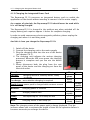
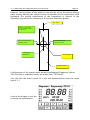
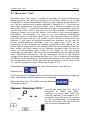
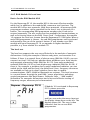
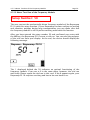
The Rayocomp PS 10 has a selection of menu items. Every menu item
provides certain application possibilities. Therefore, partitioning into single
menu items serves as a means for simplifying operation. The following menu
items are available:
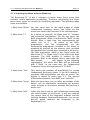
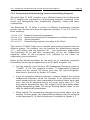
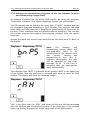
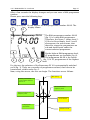
1. Menu Item "Direct": Use this menu item for the rapid output of single
fundamental frequency values. You could say this
menu item covers the functions of the old Rayometer.
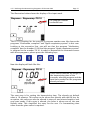
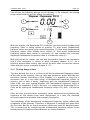
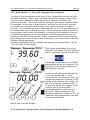
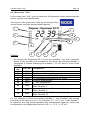
2. Menu Item “F1“:
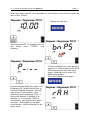
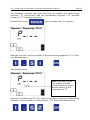
As a matter of principle, the Menu Item “F1” includes
two separated programmes. On the one hand, the
BnPS programme, which is indicated by “BnPS” on the
display. After a short time, the representation will
switch over to P_.__. By means of the BnPSprogrammes, you can automatically run the
harmonising programmes installed in the device or
prepared by yourself on the memory card, provided
the modules have already been activated in the device.
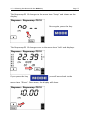
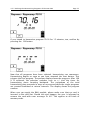
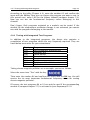
The RAH programme, which is also found under the
Menu Item F1, is shown only if it has effectively been
activated. The RAH module is marked by the
indication “RAH” in the display. After a short time, the
RAH prompt _ _ . _ _.will appear. In the following
explanations, the menu item RAH will be indicated
with “F1-RAH”, in the same way, the Fundamental
Frequency Values are harmonised in “F1-BnPS”.
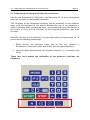
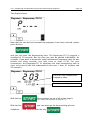
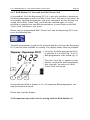
3. Menu Item “Test“:
This menu item provides all possibilities for testing
fundamental frequency values. If the M10 module is
activated, RAH-programmes can also be tested. The
display is identic to menu item “F1”. The manual
differentiates between “test-BnPS” and “test-RAH”.
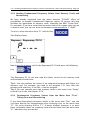
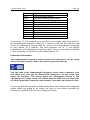
4. Menu Item “Setup“: With this menu item, you can alter pre-settings of the
device, call up information concerning the memory
cards, activate or de-activate modules and perform a
device test.
5. Menu Item “Info“:
Select this menu item to gain information concerning
the serial number of the device. It will also indicate
the current state of the integrated software and the
existing hardware. Particularly important: you can see
directly, which modules are integrated in the
Rayocomp PS 10.