1
Tips:
Wireless access point (Infrastructure) is a network device which acts as a bridge, to let
wired and wireless network devices communicate with each other.
AdHoc is another connection type. A computer or network device can establish a direct
wireless link with other computer or network device directly, without the help of wireless
access point.
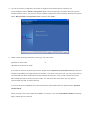
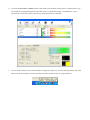
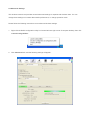
3. Click the wireless access point or network device you wish to connect, it will be highlighted, then click
‘Connect’.
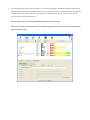
If the access point you selected does not enable encryption (The content of ‘Encryption’ field of the access
point you selected is ‘None’, you’ll be connected to this wireless access point within one minute. Please jump
to step 6.
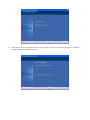
If the access point you selected enables encryption, please proceed to next step.