1
A650 User Manual
Appendix A: 650 Device Manager Software
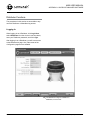
Configuration Page
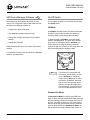
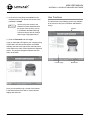
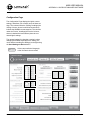
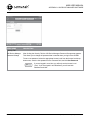
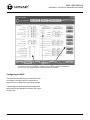
The Configuration Page displays the light’s current
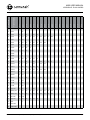
settings, and allows you to modify some of these settings. The columns under the “Setting” headings (the
Setting Columns, shown in solid-line boxes below)
indicate the 650DM’s current setpoints. The columns
under the “Device” headings (the Device Columns,
shown in dashed-line boxes below) show the connected light’s settings.
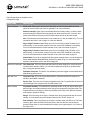
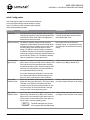
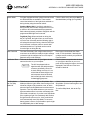
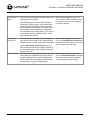
The general method for changing a setting involves
changing the 650DM setpoint(s) in the Setting Columns and then sending the setting(s) to the light using
the Send Settings to Device button.
N
32
A User cannot edit the Geography
or the Set Device Access areas.
© 2012, Carmanah Technologies Corporation. 57395_A650_UserManual_RevC








![60 (3) Change any myss[i] calls, where myss is a loop iteration, to](http://vs1.manualzilla.com/store/data/005660192_1-8eea2c3cfc95064c732d161dbe3c262f-150x150.png)