1
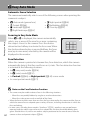
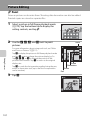
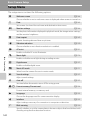
Shooting Suited to Scenes (Scene Mode)
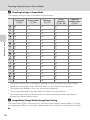
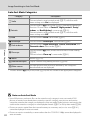
Camera settings are automatically optimized for the selected subject type. The
following scene modes are available.
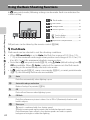
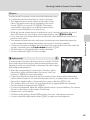
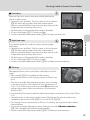
b Portrait
c Landscape
d Sports
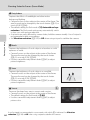
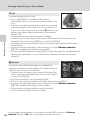
e Night portrait f Party/indoor
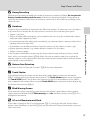
Z Beach
z Snow
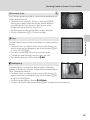
h Sunset
i Dusk/dawn
k Close-up
u Food
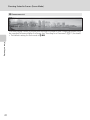
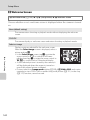
l Museum
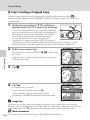
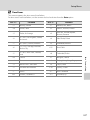
m Fireworks show n Copy
j Night landscape
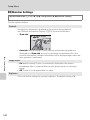
o Backlighting p Panorama assist
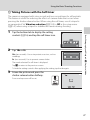
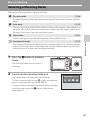
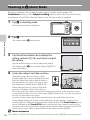
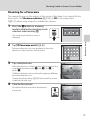
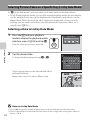
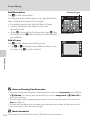
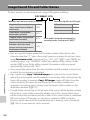
Selecting a Scene Mode
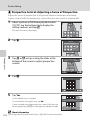
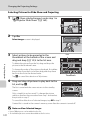
1
Shooting mode
Scene
More on Shooting
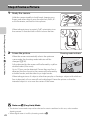
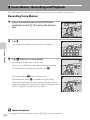
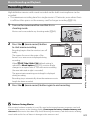
Press the A button in shooting
mode to display the shooting-mode
selection menu and tap C.
The scene mode selection screen is
displayed.
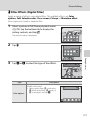
2
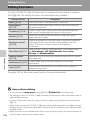
Tap the desired scene icon.
Beach
The display changes to that for the selected scene mode.
For more information about features of scene modes, see
page 64.
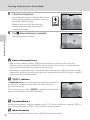
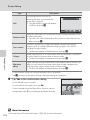
3
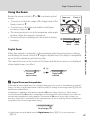
Frame the subject and take a
picture.
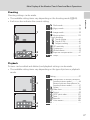
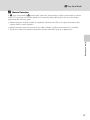
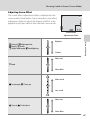
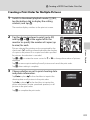
The degree of effects can be adjusted with
the scene effect adjustment slider (A 63)
depending on the scene mode.
1/ 250 F3.9
C
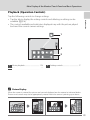
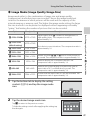
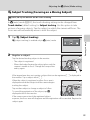
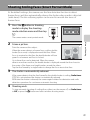
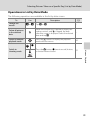
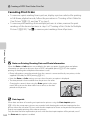
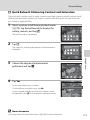
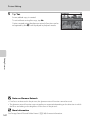
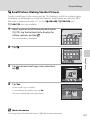
Displaying the Description of Each Scene Mode
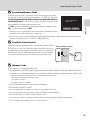
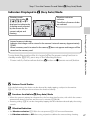
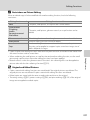
When u is tapped in the scene selection screen (step 2), the help
selection screen is displayed. Tap a scene icon to display a
description of the features of that mode. Tap J to return to the
help selection screen.
• Tap J in the help selection screen to return to the monitor
display shown in step 2.
Help selection
61