1
Operating the Touch Panel
Using the Stylus
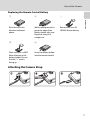
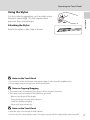
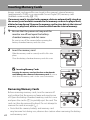
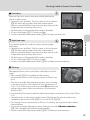
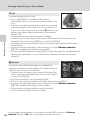
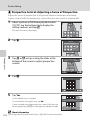
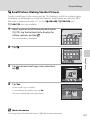
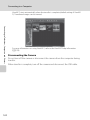
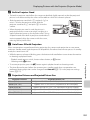
Attaching the Stylus
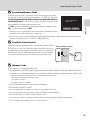
Attach the stylus to the strap as shown.
B
Introduction
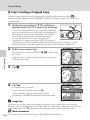
Use the stylus for operations, such as when using
the paint option (A 110), that require more
precision than using a finger.
Notes on the Touch Panel
• Do not press on the touch panel with pointed objects other than the supplied stylus.
• Do not apply unnecessary pressure to the touch panel.
B
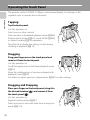
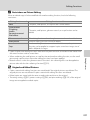
Notes on Tapping/Dragging
• The camera may not respond if your finger is left in one place too long.
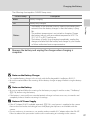
• The camera may not respond if the followings are made.
- Bounce your finger off the display
- Drag your finger over too short a distance
- Stroke the display too lightly
- Move your finger too quickly
B
Notes on the Touch Panel
• Keep the stylus out of reach of small children.
• Do not carry the camera by the stylus. The stylus may slip off the strap and the camera may fall.
11