1
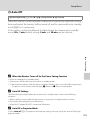
Step 1 Turn the Camera On and Select G (Easy Auto) Mode
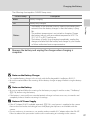
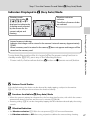
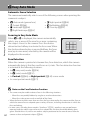
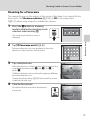
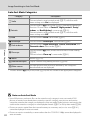
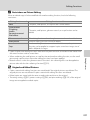
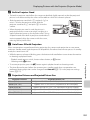
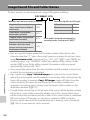
Indicators Displayed in G (Easy Auto) Mode
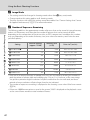
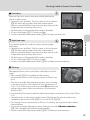
Shooting mode
In easy auto mode, G,
e, f, g, h, j, or i is
displayed to indicate the
shooting mode selected
by the camera for the
current subject and
framing.
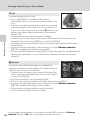
Vibration reduction
indicator
The effects of camera shake
are reduced.
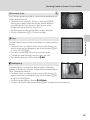
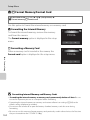
Internal memory indicator
Indicates that images will be stored in the camera’s internal memory (approximately
79 MB).
When a memory card is inserted in the camera, C does not appear and images will be
stored on the memory card.
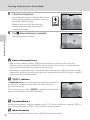
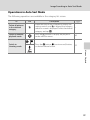
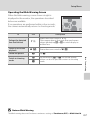
To reactivate the monitor after it is turned off by the power saving function in
standby mode (A 153), press any of the following buttons:
- Power switch, shutter-release button, A button or b (movie-record) button
B
Basic Photography and Playback: G (Easy Auto) Mode
23
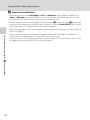
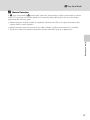
Note on Touch Shutter
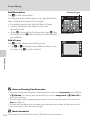
At the default setting, the shutter can be released by simply tapping a subject in the monitor
(A 41). Take care that you do not release the shutter accidently.
D
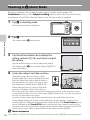
Functions Available in G (Easy Auto) Mode
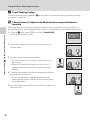
• When the camera is pointed at a human face, the face detection function, with which the camera
automatically detects that face and focus on it, activates (A 30, 50).
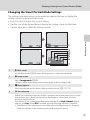
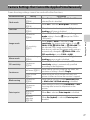
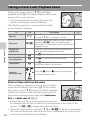
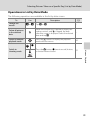
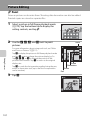
• Shooting settings (A 34) can be changed by tapping the left or bottom tab to display the setting
controls.
D
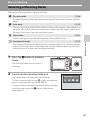
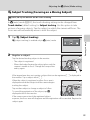
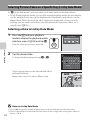
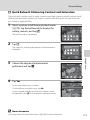
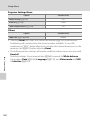
Vibration Reduction
• See Vibration reduction (A 150) in the setup menu (A 142) for more information.
• Set Vibration reduction to Off when using a tripod to stabilize the camera during shooting.
27