1
C O N T R O L
C E N T R E
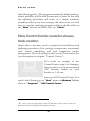
“Tasks” window
In accordance with the task type, running applications or settings
features the tasks can be divided into two groups:
§
tasks, which launch the Kaspersky Antivirus applications
during running;
§
other tasks.
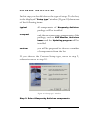
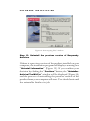
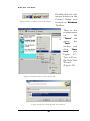
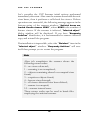
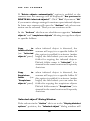
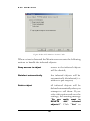
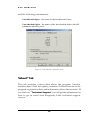
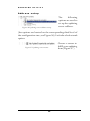
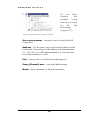
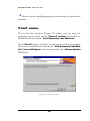
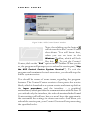
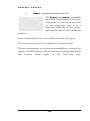
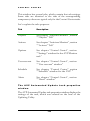
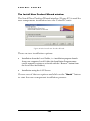
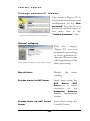
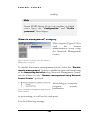
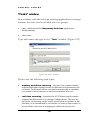
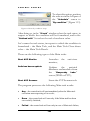
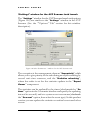
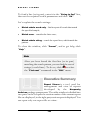
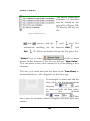
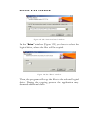
Type task name and type in the “Task” window (Figure 109).
Figure 109 “Task” window.
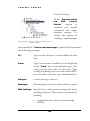
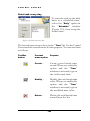
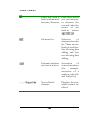
There exist the following task types:
§
memory and disks scanning – the anti-virus scanner launch
with the individual settings feature for different scan parameters for
each task. Task launch can be activated automatically on schedule,
at a certain event occurrence or on direct command of a user;
§
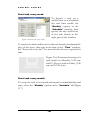
real-time scanning – launches the AVP Monitor and/or makes
temporal modifications of its settings without reboot. The start-up
period for each setting can be strictly specified in accordance to the
schedule, or be determined by occurrence of some system events, or
be specified by the user at swapping to a different activity (for
137