1
C O N T R O L
C E N T R E
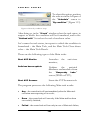
Center by
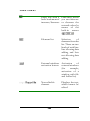
command;
the
user
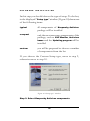
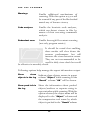
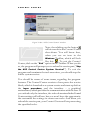
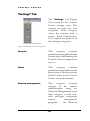
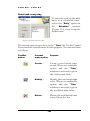
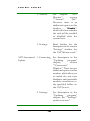
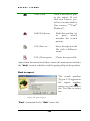
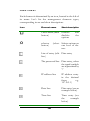
At AVP Control Center start
The task is launched at the
Control Center start, i.e., in
fact at the user login;
At screensaver start
The task is launched at the
application (screensaver)
start-up;
At AVP Control Center
system service start
The task is launched at the
Control Center System
Service start-up, i.e., in fact,
at system boot.
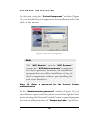
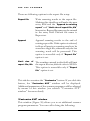
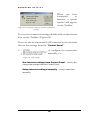
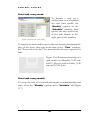
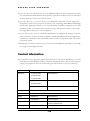
You can schedule any of your task types to be launched once a
day or on each occurrence of the event.
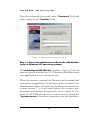
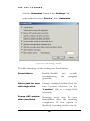
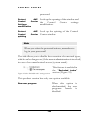
The task launch by condition
The Control Center allows you to set the task launch at specified
conditions occurrence, related to the work result of some package
components.
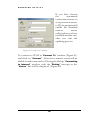
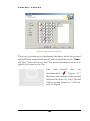
In this product version this is realized in the following way: the
user can create a task, which will be launched, provided that an
Kaspersky Antivirus closes down with a certain return code.
141