1
USER GUIDE: 4. RUNNING MENU ITEMS
4.1.1 Working with report parameters
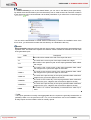
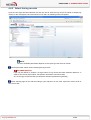
When browsing inside the menu items of the NETASQ Event Analyzer web portal, many screens require
certain parameters to be set (e.g. “Firewall” or “source IP address”). The parameters allow end
users to define the log selections they wish to work with. Most of these parameters may be set using a drop
down list associated with a check box.
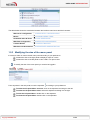
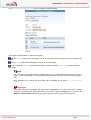
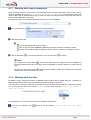
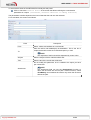
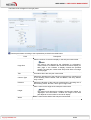
By default the check box is disabled and the drop down list is set to IGNORE.
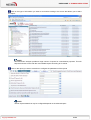
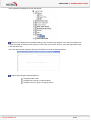
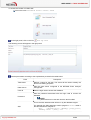
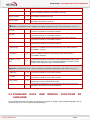
Click on the arrow icon
. The drop down list will be displayed
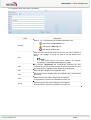
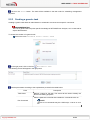
Select the value to set
TIP
Click on the appropriate value to select it
Click on the first value and Shift + Click on the last value to select contiguous values
Perform several Ctrl + Click on different values in the list to select non-contiguous values
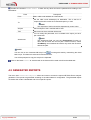
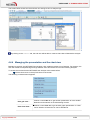
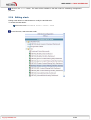
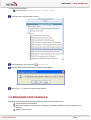
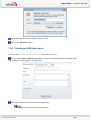
Click on the button
to cancel the selection or click on the button
to confirm.
NOTE
By clicking on the cancel button
, the end user will discard all changes made. So regardless of
the value that has been set for this drop down list (IGNORE or specific values), the values will be
kept.
By clicking on the confirm button
, the drop down list will be closed, the checkbox will be enabled
and the list of values will be set in the field.
4.1.2 Working with the date
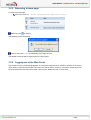
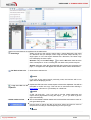
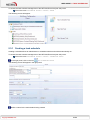
By default, cubes, customized reports or database status reports offer a default date (e.g. yesterday) to
select the logs that should be part of the reports the end user wants to work with.
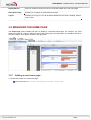
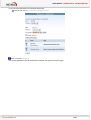
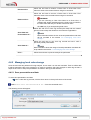
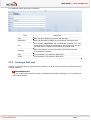
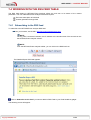
The end user can obviously select his own period either by manually setting a date or by using the calendar
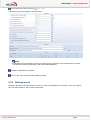
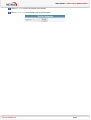
icon. In any case he has to first choose “Other” from the drop down list "Select the period or
Other for a Date”:
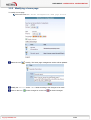
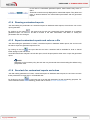
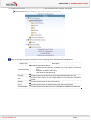
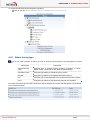
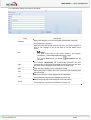
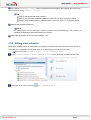
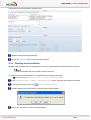
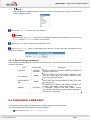
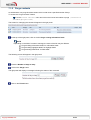
If the calendar icon is used, the end user should follow the steps below:
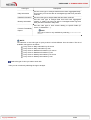
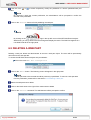
Click on the calendar icon
selected)”
Copyright NETASQ 2010
close to the parameters "Select
the
date
(if
20/86
Other