1
22
Using the i2004 Etherset
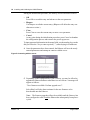
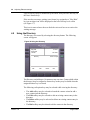
Figure 7 Login prompt
2
Press the OK softkey.
3
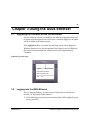
When the following screen appears, enter your password (this will also be
supplied by your service provider).
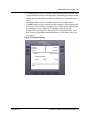
Figure 8 Password prompt
4
Press the OK softkey.
After a few moments, the main display screen will appear. It is now possible
to use the Etherset.
3.3
Predial
Selecting the OK key uses the default key. If no default key is defined, Key 1
is used.
3.4
Making a call
The Etherset is used in virtually the same way as a traditional telephone to
make and answer a call. The following steps describe the procedure for making
a call:
1 Lift the handset, or select the Handsfree or Headset key to route the call
appropriately (details on audio handling are described below in Section 3.5).
Version 1.8
August 2002