1
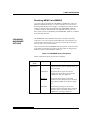
USING SETUP MODE
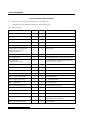
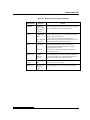
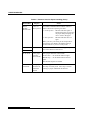
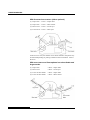
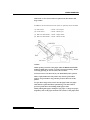
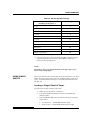
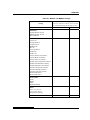
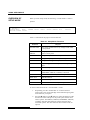
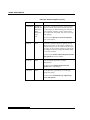
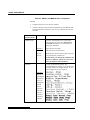
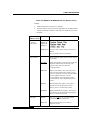
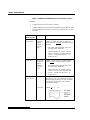
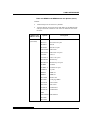
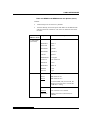
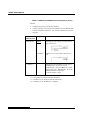
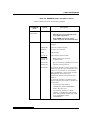
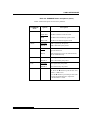
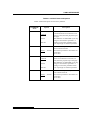
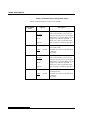
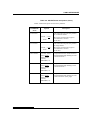
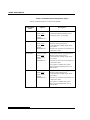
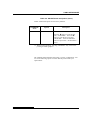
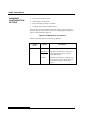
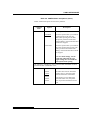
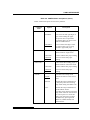
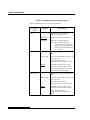
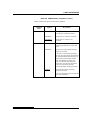
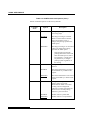
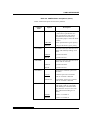
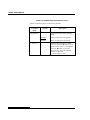
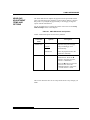
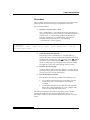
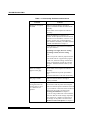
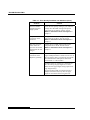
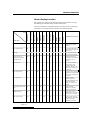
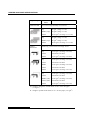
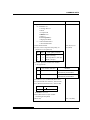
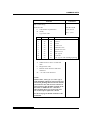
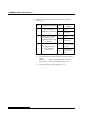
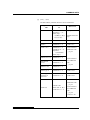
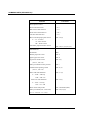
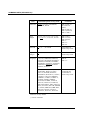
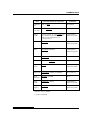
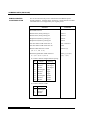
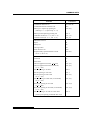
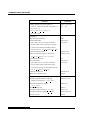
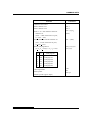
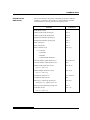
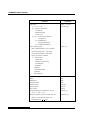
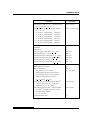
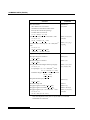
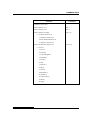
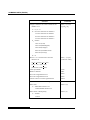
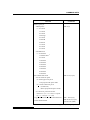
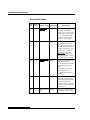
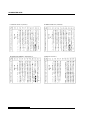
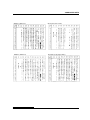
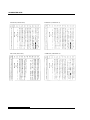
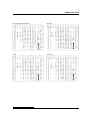
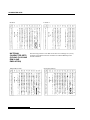
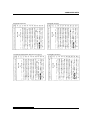
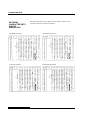
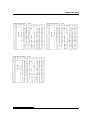
Table 5.3 MENU1 and MENU2 Items and Options (Cont.)
NOTES:
•
Underlined options are the factory defaults.
•
Asterisks identify items and options that differ for the IBM XL24E
and Epson ESC/P2 emulations. The notes are defined at the end of
the table.
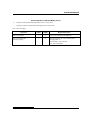
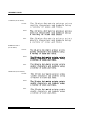
MENU1 and
MENU2 Items
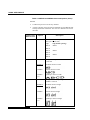
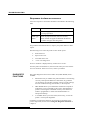
<DC3-CDE>
(*4)
<CR-CODE>
<LF-CODE>
(*2)
Options
ENABLE
Description
Enables the DC1 and DC3 codes.
Any data received between DC3 and the
next DC1 is ignored.
DISABLE
Disables the DC1 and DC3 codes. These
codes are then ignored.
CR ONLY
No line feed is added to a carriage return.
CR & LF
A line feed is added to each carriage return.
LF ONLY
No carriage return is added to a line feed.
LF & CR
A carriage return is added to each line feed.
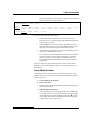
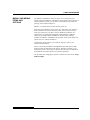
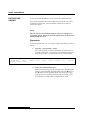
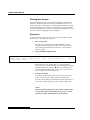
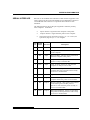
Note
The default value of <LF-CODE> changes with the selected emulations as
follows.
"LF&CR" is a default value in the DPL24C+ emulations.
"LF ONLY" is a default value in the XL24E emulations.
User's Manual
5-25