1
SETTING UP
3.
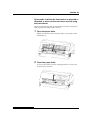
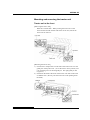
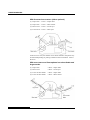
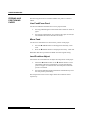
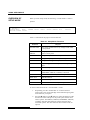
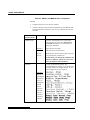
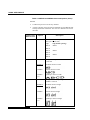
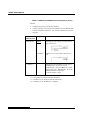
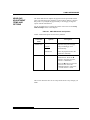
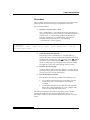
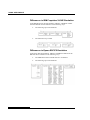
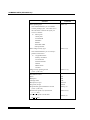
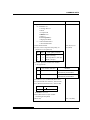
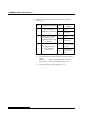
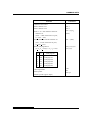
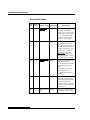
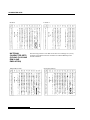
Select the MENU1 function.
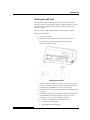
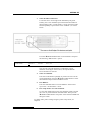
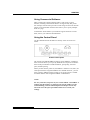
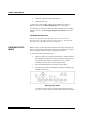
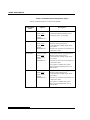
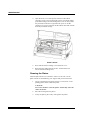
Locate the cursor on left edge of the aluminum print guide.
Initially, this cursor should be positioned at SAVE & END at
the beginning of the <<FUNCTION>> menu. Press the LOAD
button repeatedly to position the cursor at MENU1, as shown
below:
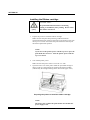
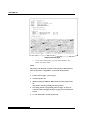
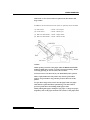
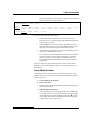
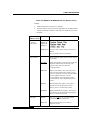
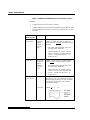
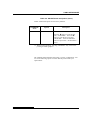
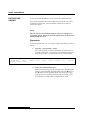
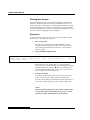
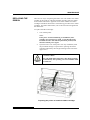
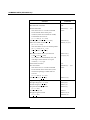
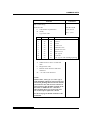
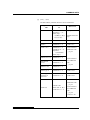
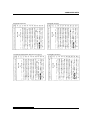
Press the T MICRO FEED button to select MENU1 and print
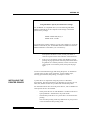
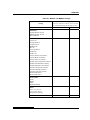
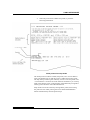
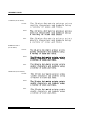
the following <EMULATE> options:
<EMULATE>
XL24E
DPL24C+
ESC/P2
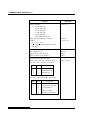
The currently selected emulation is indicated by a short
underline. In the figure shown above, the Fujitsu DPL24C
PLUS emulation is selected.
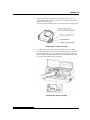
4.
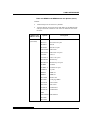
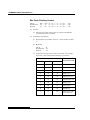
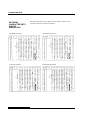
Select an emulation.
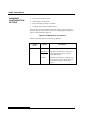
Press the LOAD button repeatedly to position the cursor at the
required emulation. Press the T MICRO FEED button to select
the emulation and print the next MENU1 item.
5.
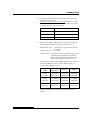
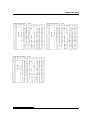
Exit MENU1.
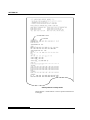
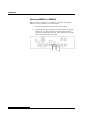
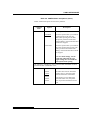
Press the ONLINE button to exit the MENU1 function and
reprint the <<FUNCTION>> menu.
6.
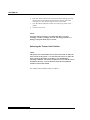
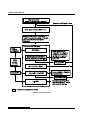
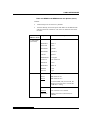
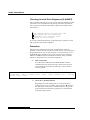
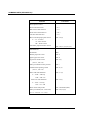
Exit setup mode to save the emulation.
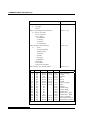
To exit setup mode and save the new emulation, make sure that
the cursor is positioned under SAVE & END. Then press the
T MICRO FEED button. The printer selects SAVE & END and
then goes online.
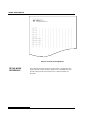
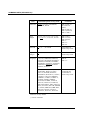
To change other printer settings using the printer setup mode, see
Chapter 5.
User's Manual
2-25